Best Productivity Tools in 2026: 4 Reviews Compared

⚡ In short
The four highest-scoring productivity tools in our 2026 reviews, ranked by score, with documented pricing, review depth and the trade-offs behind each.
Choosing productivity software is not a shortlist problem any more, it is a filtering problem. This page narrows the category to the 4 tools that scored highest in PulseTools's own productivity reviews in 2026, ranked by that score, with what each is genuinely good at and where it gives something up. The order reflects the review scores shown here; consult the disclosures on each page for relevant advertising or affiliate information.
Each entry below is a research-based review of public documentation, pricing pages, repositories and release notes - not a lab benchmark and not a timed head-to-head test. Read the individual review before acting on a specific limit.
The 4 best productivity tools at a glance #
These are the highest-scoring productivity options in the corpus right now. The score column is the same figure each review carries, and the pricing column is taken from the vendor's published tiers - both change over time, which is why every row links to the review behind it.
| Tool | Score | Pricing | Review depth |
|---|---|---|---|
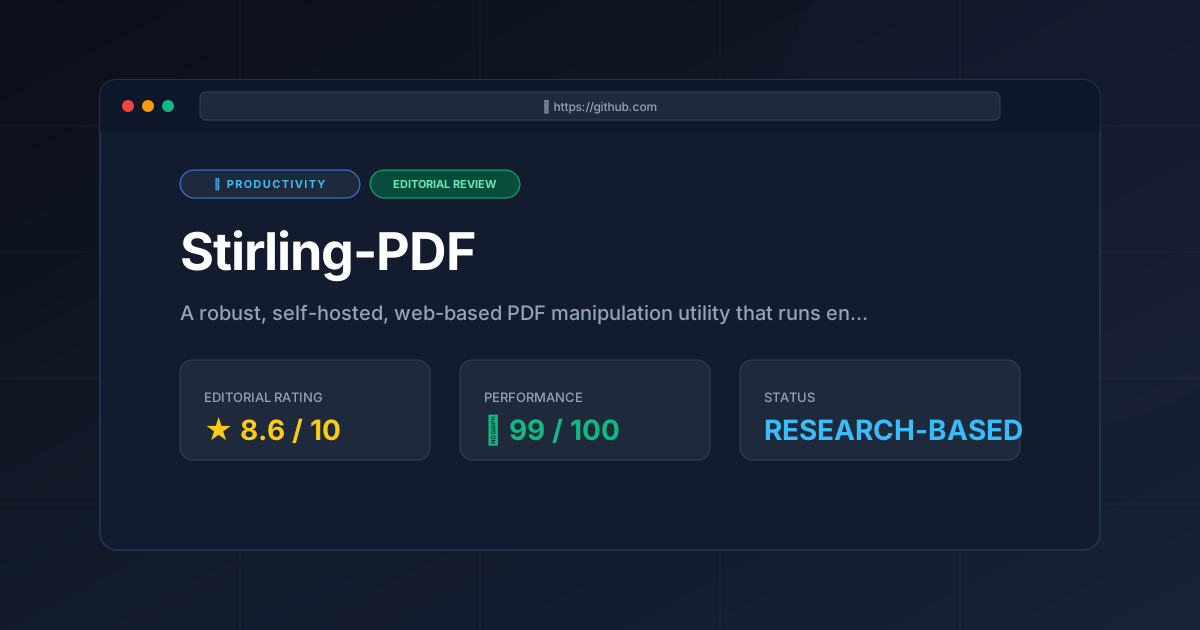
| Stirling PDF | 8.6 | Free / Open Source | 2189 words |
| Hindsight | 8.2 | Open Source | 1988 words |
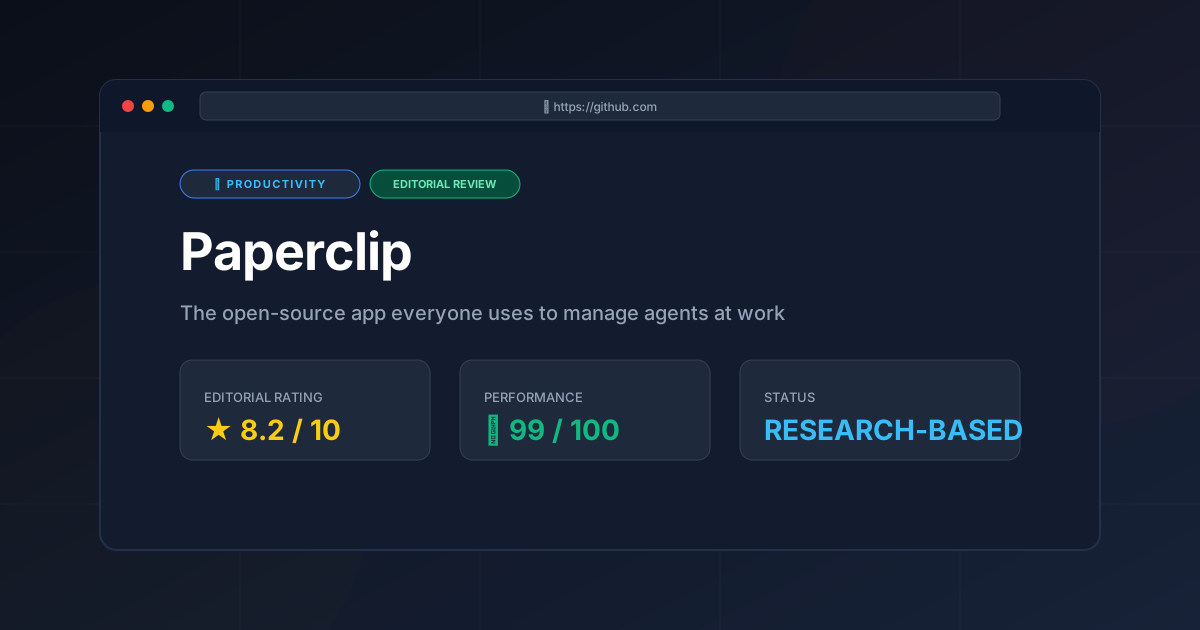
| Paperclip | 8.2 | Open Source | 1932 words |
| Logseq | 8.2 | Open Source | 1917 words |
Best productivity tools reviewed in detail #
1. Stirling PDF #
Self-hosted document toolkit for merging, splitting, compressing, converting and signing PDFs without sending files to a third-party service. It scored highest in the category because the documentation covers self-hosting, the API surface and the limits of each operation rather than only the feature list.
Full review: Stirling PDF Review (2026): The Ultimate Self-Hosted Tool.
2. Hindsight #
An open-source memory layer for AI agents: it stores and retrieves what an agent has already learned so the same context is not re-sent on every call. The review focuses on the architecture and on how much prompt overhead the memory layer removes.
Full review: Hindsight Review (2026): Agent Memory Architecture Tested.
3. Paperclip #
A workflow and file-organisation utility covered in the same rubric as the rest of the category: documented capabilities, pricing shape, export options and who it does and does not suit.
Full review: Paperclip Review (2026): Features, Pricing & Verdict.
4. Logseq #
A local-first, Markdown-based knowledge tool for networked notes and task tracking. Its strength is data sovereignty - the files stay on your disk - and its documented weakness is the lack of calendar-centric planning views.
Full review: Local-First Notes: Logseq Review (2026) & Technical Guide.
How to choose between them #
The checks below are ordered by how often they decided a review in this category, not by how often they appear in vendor marketing. Start with the one that carries the most evidence:
- Data portability. Find the export button before the pricing page. If your work can only leave as a PDF or a screenshot, the tool owns your data. Documented in 4 of the 4 reviews in this category.
- Pricing shape. Model the price at your realistic team size, not the trial size. Per-seat and usage-based plans behave differently as a team grows. Documented in 4 of the 4 reviews in this category.
- Self-hosting reality. A self-hosted option is only useful if the documentation covers upgrades, storage and backups. Documented in 4 of the 4 reviews in this category.
- Learning curve. Judge how long the first real task takes, not the signup wizard. Documentation quality is the best public proxy. Documented in 4 of the 4 reviews in this category.
Pricing across the reviews is uniform here: every tool in this ranking is free or open source, which makes the comparison about operational cost - hosting, migration and maintenance - rather than about licence fees. That is useful for a small team, and it also means the deciding question is how much of your own time the tool asks for.
What the reviews agree on #
The productivity reviews on this site use one rubric, so the scores below are comparable and the ranking is a real ordering. Two themes recur across all four: the tools document their own limits more clearly than the average SaaS product in this category, and none of them hides the cost of leaving behind a paid alternative.
Frequently asked questions #
What is the best productivity tool? #
In this corpus Stirling PDF scores highest (8.6/10), but the right answer still depends on your constraints, so read the trade-offs above before deciding.
How is this list ranked? #
The order follows the scores in each tool's published review. Those scores are editorial assessments using the review rubric; check the relevant page disclosures for advertising or affiliate information. Scores may change if a review is corrected.
Is this the same as a free-tools list? #
No. Every tool here is a full application with a published licence and deployment model. The site's own browser-based utilities are free and listed separately on the tools hub, and none of them appears in the ranking above.
Why is there no Linear or Raycast review here? #
Linear and Raycast are compared in our Linear vs Raycast guide rather than scored in a single-product review, so they carry no rating and cannot be ranked on this page.
How often is this best productivity list updated? #
As new productivity reviews are published. Each review is dated, so you can see how recent the evidence behind a score is.
When none of these fit #
If the productivity options above do not match your constraints, three paths are worth trying before settling: the free browser utilities on this site cover the one-off tasks that do not justify a subscription at all; the Linear vs Raycast comparison covers two tools this page does not score; and the productivity category page lists everything reviewed so far, including tools that scored too low to rank here but may still fit an unusual constraint.
Sources and method #
Scores come from the published reviews; pricing comes from each vendor's public documentation, repository or pricing page at the time of review. Cite the individual review rather than this page if the score is what you need.
- Stirling PDF review
- Hindsight review
- Paperclip review
- Logseq review
- Google Search Central
- Schema.org
Keep reading #
More Tools Worth Reading

Hindsight
ProductivityHindsight review: Explore how this open-source agent memory layer eliminates LLM amnesia, cuts token costs, and powers self-learning AI workflows in 2...
Paperclip
ProductivityPaperclip review 2026: documented capabilities, licence and pricing shape, export options, and the workflow trade-offs that decide whether it fits.
Stirling-PDF
ProductivityStirling PDF review for 2026: Discover how this self-hosted tool secures your documents, replaces paid SaaS, and streamlines your local workflows toda...