Synthetic Monitoring Review: Is Checkly the Best Choice for 2026?
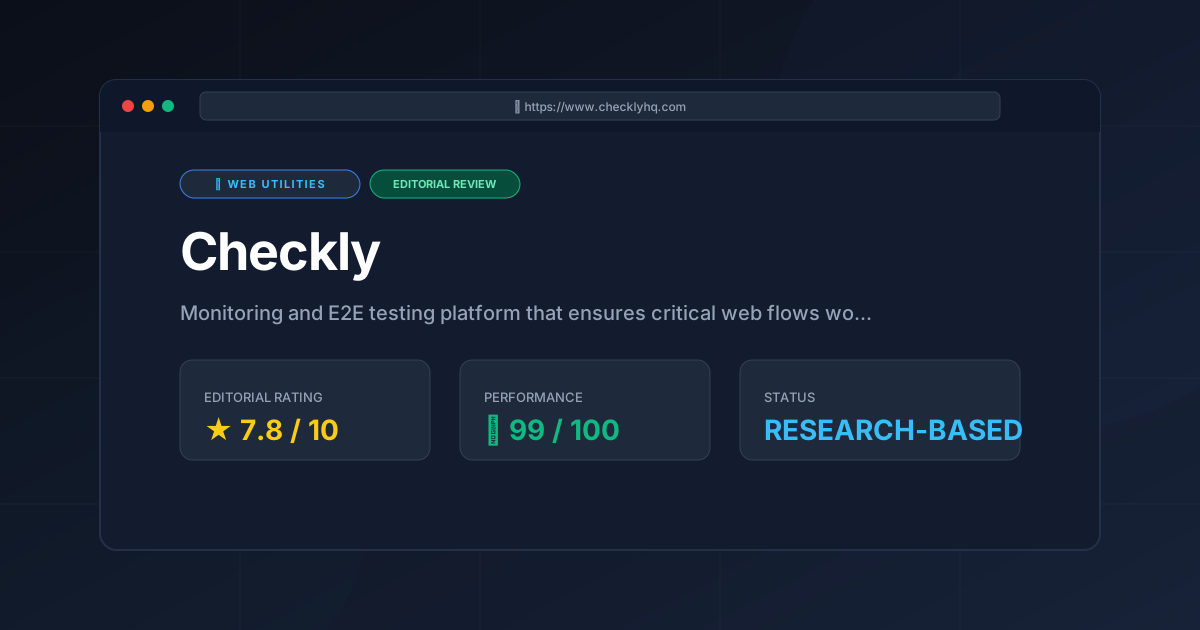
⚡ Executive Summary
Synthetic monitoring starts here. Discover if Checkly is the right E2E tool for your stack with our deep technical dive and honest rating.
Disclaimer: This review is based on publicly available information, including official documentation, pricing pages, and public repositories; it is not based on laboratory benchmarks or first-person installation tests.
In the modern CI/CD landscape, the gap between "it works in staging" and "it works in production" remains a primary source of downtime. Checkly is a monitoring and end-to-end (E2E) testing platform designed to bridge this gap by treating monitoring as code. Unlike traditional uptime monitors that simply ping a URL to see if it returns a 200 OK status, Checkly focuses on synthetic monitoring.
By simulating real user journeys—such as logging into a dashboard, adding an item to a cart, or completing a checkout flow—at regular intervals, teams can detect failures before customers do. Checkly has gained significant traction because it leverages Playwright, the industry-standard automation library from Microsoft. By allowing developers to write their monitoring checks in TypeScript or JavaScript using the same tools they use for local E2E testing, Checkly removes the friction between the QA process and production observability.
What is Synthetic Monitoring? #
Synthetic monitoring is a method of monitoring application performance and availability by simulating user interactions using scripted requests. Unlike real-user monitoring (RUM), which tracks actual traffic, synthetic monitoring uses "bots" to proactively test critical paths—like login or checkout—from various global locations to ensure the system is functioning as expected.
Key Technical Specifications & Fast Facts #
| Specification | Detail |
|---|---|
| License | Proprietary (SaaS) |
| Hosting Type | Cloud-based |
| Free Tier Availability | Yes (Freemium) |
| API Access | Full REST API available |
| Supported Platforms | Web-based (Cross-browser via Playwright) |
| Primary Language | TypeScript / JavaScript |
| Integration Ecosystem | GitHub Actions, GitLab CI, Slack, PagerDuty, Datadog |
In-Depth Feature Breakdown & Real-World Use Cases #
Checkly's value proposition lies in its ability to transform static tests into living monitors. Below is a technical analysis of its core pillars.
1. Playwright-Based Browser Monitoring #
The cornerstone of Checkly is its integration with Playwright. Instead of using a proprietary "record-and-playback" tool that often breaks when a CSS class changes, Checkly allows users to write scripts that mimic actual browser behavior.
Practical Workflow:
Imagine a SaaS application where the "Password Reset" flow is critical. A developer can write a Playwright script that:
- Navigates to the
/forgot-passwordpage. - Inputs a test email address.
- Verifies that the "Email Sent" confirmation message appears.
- Checks that the page response time is under 2 seconds.
By deploying this script to Checkly, the team can run this check every 10 minutes from multiple global locations. If the flow fails, the team is alerted immediately with a screenshot and a trace of the failure.
2. API Heartbeat & Integration Checks #
While browser monitoring handles the UI, API checks handle the plumbing. Checkly provides a robust suite of API monitoring tools to ensure that REST or GraphQL endpoints are returning the correct schemas and status codes.
Real-World Use Case:
A developer might set up a check to verify that their /api/v1/health endpoint returns a 200 OK and a JSON body containing {"status": "healthy"}. This is essential for microservices architectures where a failure in one downstream service can cascade through the entire application. For those managing complex browser compatibility matrices, comparing these results against a Browser Support Review (2026) can help determine if API failures are isolated to specific client environments.
3. Monitoring as Code (MaC) #
One of Checkly's most powerful architectural decisions is the "Monitoring as Code" philosophy. Through the Checkly CLI and Terraform provider, users can manage their monitors in a Git repository.
Technical Advantage:
Instead of manually clicking through a UI to create a new check, a DevOps engineer can define a monitor in a .yaml or .tf file. When a new feature is merged into the main branch, the corresponding monitoring check is automatically deployed via GitHub Actions. This ensures that monitoring evolves in lockstep with the application code, preventing "monitoring rot" where old checks persist for deleted features.
4. Real-Time Alerting and Observability #
Checkly does not just detect failures; it integrates into the existing incident response pipeline. It supports various alerting channels, including Slack, PagerDuty, and email. When a check fails, Checkly provides a detailed report including:
- Logs: Step-by-step execution logs.
- Screenshots: Visual evidence of the failure.
- Trace Files: Playwright traces that allow developers to "replay" the failure locally.
Step-by-Step Getting Started Guide #
For developers and QA engineers, the onboarding process is designed to be programmatic.
- Account Setup: Create an account at the official site. Start with the Free tier to explore the dashboard.
- Create Your First Check:
- Navigate to "Checks" $\rightarrow$ "New Check".
- Select "Browser Check".
- Use the built-in editor to write a simple Playwright script (e.g.,
await page.goto('https://your-site.com');).
- Configure Frequency and Location: Set the check to run every 10 or 30 minutes and select the geographic regions (e.g., US East, EU West) from which the check should originate.
- Set Up Alerting: Connect your Slack workspace or PagerDuty account under the "Alerting" tab to ensure you are notified of failures.
- Implement MaC (Optional but Recommended): Install the Checkly CLI (
npm install -g @checkly/cli) and initialize your project to move your checks into version control.
Critical Limitations and Trade-offs #
While Checkly is a powerful tool for synthetic monitoring, it is not without its drawbacks. To provide an honest assessment, we must highlight four specific limitations:
- Technical Barrier to Entry: Unlike "no-code" monitors, Checkly requires proficiency in TypeScript or JavaScript. Non-technical product managers or QA analysts cannot easily create or modify checks without developer intervention.
- Credit Consumption Costs: Browser-based checks are significantly more resource-intensive than simple API pings. On the Checkly Pricing Page, it becomes evident that high-frequency browser checks can quickly exhaust monthly credits, making it expensive for large-scale applications with dozens of critical paths.
- Maintenance Overhead: Because it uses Playwright, scripts are susceptible to "brittleness." If a developer changes a DOM ID or a CSS selector in the application, the synthetic monitor will fail, triggering a "false positive" alert that requires manual script updates.
- Limited Logic for Complex State: While Playwright is powerful, Checkly is designed for monitoring (short, focused checks) rather than comprehensive regression testing. Attempting to run massive, multi-step test suites can lead to timeouts or unstable execution in a cloud environment.
Checkly vs. Alternatives: Choosing Your Synthetic Monitoring Strategy #
When choosing a tool, the decision usually comes down to whether you want a specialized tool or a "single pane of glass" observability platform.
| Feature | Checkly | Datadog Synthetics | New Relic |
|---|---|---|---|
| Primary Focus | E2E Monitoring / MaC | Full-Stack Observability | Full-Stack Observability |
| Scripting Engine | Playwright (Native) | Proprietary / JS | Proprietary / JS |
| Setup Speed | Very Fast (Dev-focused) | Moderate (Enterprise-focused) | Moderate |
| Pricing Model | Freemium / Credit-based | Tiered / Usage-based | User-based / Data-based |
| Best For | Agile Dev teams, Startups | Large Enterprises | Enterprise IT Operations |
While Datadog and New Relic offer broader telemetry (logs, metrics, traces), Checkly provides a more streamlined, developer-first experience for those who specifically need high-fidelity E2E monitoring without the overhead of a massive observability suite. For a broader look at how different tools compare in the current market, you can visit our All Tool Reviews on PulseTools: the Complete Index.
Pricing Tiers & Value Assessment #
Checkly operates on a Freemium model. While specific pricing is subject to change, the general structure is as follows:
- Free Tier: Ideal for individuals or small projects. It typically includes a limited number of checks and a set amount of monthly runs.
- Paid Tiers: These introduce higher frequency checks (e.g., every 1 minute), more global locations, and advanced team collaboration features.
Is the paid tier worth it?
For a production application, the answer is generally yes. The value of a paid tier isn't just the "number of checks," but the frequency. A check that runs every 30 minutes (Free) might miss a critical outage that lasts 15 minutes. A check that runs every 1 minute (Paid) ensures that the engineering team is notified before the majority of the user base notices the issue. For businesses where downtime equals direct revenue loss, the cost of the paid tier is negligible compared to the cost of an undetected outage.
Frequently Asked Questions #
Does Checkly replace my existing E2E test suite? #
No. Checkly is for monitoring, not testing. Your local E2E tests (e.g., in Cypress or Playwright) run in CI/CD to prevent bugs from reaching production. Checkly runs in production to ensure that the environment, DNS, and APIs are functioning correctly for the end user.
Can I monitor password-protected pages? #
Yes. Since you write the scripts in Playwright, you can programmatically handle login flows by inputting credentials stored securely as environment variables to access authenticated areas of your application.
How does Checkly handle "flaky" tests? #
Flakiness is common in E2E testing. Checkly allows you to configure "retry" logic, meaning a check is only marked as "Failed" if it fails multiple times consecutively, which significantly reduces false-positive alerts.
Is Checkly compatible with Single Page Applications (SPAs)? #
Absolutely. Because it uses a real headless browser, it handles JavaScript-heavy frameworks like React, Vue, and Angular exactly as a user's browser would, ensuring accurate performance data.
Where can I find the technical specifications for the CLI? #
The most accurate and up-to-date technical details are available in the official Checkly Documentation, which covers CLI installation, Terraform provider configuration, and script optimization.
Final Verdict & Editorial Rating #
Checkly is a sophisticated evolution of the uptime monitor. By marrying the power of Playwright with a "Monitoring as Code" philosophy, it transforms synthetic monitoring from a chore performed by Ops teams into a first-class citizen of the development lifecycle.
The tool is not for everyone; if you are a non-technical business owner looking for a "green light/red light" dashboard, the requirement to write TypeScript may be a barrier. Furthermore, the credit-based pricing for browser checks can become a significant expense as you scale. However, for developers and DevOps engineers, the ability to version-control their monitors and receive high-fidelity failure traces is an immense advantage.
The trade-off between the cost of browser-based monitoring and the depth of insight provided is the primary consideration here. While it is more expensive than simple pings, the reduction in Mean Time to Resolution (MTTR) justifies the investment for most professional teams.
Final Score: 7.8/10 #
Recommendation:
- Use Checkly if: You are a developer or QA engineer using Playwright, you have critical user flows (checkout, signup) that must be monitored 24/7, and you prefer managing infrastructure via Git.
- Look elsewhere if: You need a comprehensive, all-in-one enterprise observability platform (choose Datadog) or if you have no coding experience and need a simple "is it up" monitor.
More Tools Worth Reading
Valibot
Web UtilitiesLightweight validation is key to performance. Discover how Valibot reduces bundle sizes and improves TTI—read our full 2026 technical analysis.
Webhook.site
Web UtilitiesWebhook tester tools like Webhook.site simplify API debugging. Learn how to inspect payloads and mock responses to accelerate your development workflo...
WebPageTest
Web UtilitiesPage speed test analysis made easy. Discover how WebPageTest provides forensic performance data to boost your Core Web Vitals and search rankings.