Image Compression Guide: TinyPNG Review (2026) & Analysis
⚡ Executive Summary
Image compression is vital for SEO. Learn how TinyPNG optimizes web assets to boost page speed and improve user experience. Read our full expert review.
Disclaimer: This review is based on publicly available information, including official documentation, pricing pages, and public repositories; it is not a laboratory benchmark.
In the modern web ecosystem, page load speed is not merely a convenience—it is a critical ranking factor for SEO and a primary driver of user conversion rates. As high-resolution displays become the standard, the tension between visual fidelity and file size has intensified. To solve this, developers rely on image compression to ensure that high-quality visuals do not compromise the Largest Contentful Paint (LCP) or overall site responsiveness.
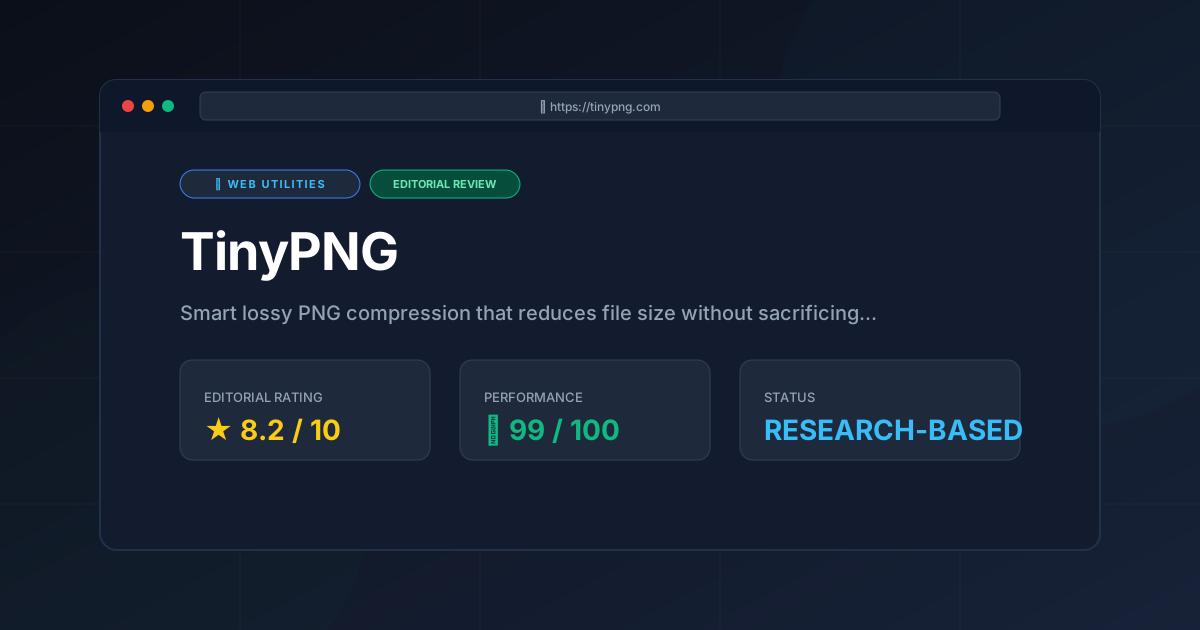
TinyPNG is a specialized web utility designed to reduce the file size of PNG and JPEG images using "smart lossy compression." Unlike traditional lossless compression, which removes redundant data without altering pixels, TinyPNG utilizes quantization algorithms to reduce the number of colors in an image, effectively shrinking the file size while attempting to keep the visual degradation invisible to the human eye.
What is Image Compression in TinyPNG? #
Image compression is the process of reducing the file size of a graphic by removing unnecessary data. TinyPNG specifically uses "smart lossy" compression, which employs quantization to decrease the number of colors in a palette. This results in significantly smaller files that maintain high visual quality, making them ideal for fast-loading websites and mobile applications.
TinyPNG has maintained its relevance in 2026 because it solves a universal pain point for web developers and designers: the manual labor of image optimization. While many tools offer compression, TinyPNG's "smart" approach automates the balance between quality and size, removing the need for users to manually tweak sliders for every single asset.
The tool is trending specifically among those focusing on Core Web Vitals. Since LCP is heavily influenced by image weight, the ability to slash PNG sizes by 50-80% without noticeable blurring makes TinyPNG a staple in the frontend deployment pipeline. For those managing high-traffic blogs or e-commerce sites, optimizing images is a prerequisite for passing an AdSense Approval Checklist 2026: Get Your Site Approved Fast, as user experience (UX) and page speed are heavily scrutinized during the review process.
Key Technical Specifications & Fast Facts #
| Specification | Detail |
|---|---|
| License | Proprietary / SaaS |
| Hosting Type | Cloud-based (Web App & API) |
| Free Tier Availability | Yes (Limited by file count/size) |
| API Access | Yes (REST API) |
| Supported Platforms | Web Browser, API-integrated Workflows |
| Primary Formats | PNG, JPEG, WebP |
In-Depth Feature Breakdown & Real-World Use Cases #
1. Quantization Algorithms (The "Smart" Engine) #
The core of TinyPNG is its quantization process. Instead of simply stripping metadata, the tool analyzes the image and reduces the color palette. For example, a PNG might contain thousands of colors that are nearly identical; TinyPNG merges these into a smaller set of colors.
Real-World Use Case: A UI designer creates a complex set of icons with subtle gradients. A lossless compressor might only save 5% of the file size. TinyPNG’s quantization can often reduce these files by 70% while maintaining the gradient's appearance, ensuring the website remains snappy without looking "pixelated."
2. Bulk Image Processing #
For designers handling hundreds of assets for a site relaunch, individual uploads are untenable. TinyPNG allows for bulk uploads via its web interface, processing multiple images simultaneously.
Workflow Example:
- Export all assets from Figma/Adobe XD as PNGs.
- Drag and drop the entire folder into the TinyPNG web interface.
- Download the optimized ZIP archive.
- Replace the original assets in the
/assets/imagesdirectory of the project.
3. API Integration for Automated Pipelines #
The most powerful aspect of TinyPNG for technical teams is its REST API. This allows image compression to be shifted "left" in the development lifecycle, integrating it directly into the CI/CD pipeline or a CMS.
Practical Implementation Example:
A developer can write a script (using Node.js or Python) that triggers the TinyPNG API whenever a new image is uploaded to a cloud storage bucket (like AWS S3).
// Conceptual example of an API call using the official library
const TinyPNG = require('tinypng').default();
TinyPNG.Key.set('YOUR_API_KEY');

TinyPNG.from('image.png')
  .to('optimized-image.png')
  .call()
  .then(function(result) {
    console.log('Compressed successfully!');
  });
This removes the human element entirely, ensuring that no unoptimized image ever reaches the production server. For developers looking to automate other parts of their data pipeline, the CyberChef Data Converter Review (2026): The Ultimate Guide provides excellent insights into non-image data manipulation.
Step-by-Step Getting Started Guide #
For Casual Users (Web Interface) #
- Navigate: Visit the TinyPNG Official Site.
- Upload: Drag and drop up to 20 images (on the free tier) into the upload box.
- Process: Wait for the "smart compression" to complete. The interface will show you the percentage of space saved for each file.
- Download: Click "Download All" to receive a compressed ZIP file of your optimized images.
For Developers (API Integration) #
- Account Creation: Sign up for a TinyPNG account to obtain your unique API key.
- Key Configuration: Add the API key to your environment variables (
.env) to keep it secure. - Library Installation: Install the official wrapper for your language (e.g.,
npm install tinypng). - Automation: Integrate the compression call into your build script or image upload handler. Refer to the TinyPNG API Documentation for full endpoint specifications.
Objective Pros & Cons Matrix #
| Pros | Cons |
|---|---|
| Exceptional Compression Ratio: Often outperforms basic lossless tools in file size reduction. | Lossy Nature: Because it quantizes colors, some high-detail images may show slight artifacts. |
| Zero Learning Curve: The web interface is intuitive and requires no technical knowledge. | Free Tier Limits: The number of free images per month is restrictive for large projects. |
| Robust API: Well-documented API makes it easy to automate for professional dev teams. | Privacy Concerns: Images are uploaded to a third-party server rather than processed locally. |
| Format Versatility: Handles PNG, JPEG, and WebP efficiently. | No Manual Control: Lack of "quality sliders" means you trust the algorithm's decision. |
TinyPNG vs. Competitors: Direct Comparison #
When choosing an image compression tool, the decision usually comes down to whether you need cloud-based automation or local privacy.
| Feature | TinyPNG | Squoosh | ImageOptim |
|---|---|---|---|
| Processing | Cloud-based | Browser-based (Local) | Local App (Mac) |
| Compression | Smart Lossy | Manual Lossy/Lossless | Primarily Lossless |
| API Access | Yes (Extensive) | No | No |
| Speed | Fast (Batch) | Slow (One-by-one) | Fast (Local) |
| Pricing | Freemium | Free (Open Source) | Free (Open Source) |
| Best For | Dev Pipelines & Teams | Fine-tuning single images | Privacy-conscious Mac users |
While TinyPNG is the king of automation, users who need absolute control over the compression level may prefer Squoosh. For those who refuse to upload sensitive assets to a server, ImageOptim is the logical choice. If you are auditing your site's technical compatibility, you might also check our Browser Support Review (2026): Is Can I Use Still the Gold to ensure your optimized assets render correctly across all platforms.
Pricing Tiers & Value Assessment #
TinyPNG operates on a freemium model. The free tier is generous for a hobbyist or a small one-off project, but professional use requires a paid subscription. Detailed costs can be found on the TinyPNG Pricing Page.
- Free Tier: Allows a limited number of compressions per month. Ideal for students or small personal blogs.
- Paid Tiers: These are generally based on the volume of images processed via the API.
Is the paid tier worth it?
For a freelance designer, probably not; free local tools suffice. However, for a SaaS company or an Agency, the paid tier is an investment in infrastructure. The cost of the subscription is negligible compared to the engineering hours saved by automating image compression. Furthermore, the impact on page load speed directly correlates to lower bounce rates, providing a tangible ROI.
Frequently Asked Questions #
Does TinyPNG reduce image quality? #
Yes, it is a "lossy" compressor. It removes data by reducing the color palette. However, the algorithm is designed so that the changes are generally imperceptible to the human eye at standard viewing distances, making it an efficient choice for image compression on the web.
Is TinyPNG safe for sensitive data? #
TinyPNG processes images on their servers. While they maintain security standards, any tool that requires uploading files to the cloud carries a higher risk than a local tool like ImageOptim. Users should review the official privacy policy for data retention details.
Can I use TinyPNG for WebP images? #
Yes, TinyPNG supports WebP compression. Since WebP is a modern format designed specifically for the web, combining it with TinyPNG's quantization leads to some of the smallest possible file sizes without sacrificing visual clarity.
Why use TinyPNG instead of "Save for Web" in Photoshop? #
Photoshop's tools are powerful but manual. TinyPNG's quantization is often more aggressive yet visually cleaner, and its API allows for automation that Photoshop cannot provide, ensuring consistent image compression across thousands of assets.
How does TinyPNG affect SEO? #
By reducing image file sizes, TinyPNG helps lower the overall page weight. This improves the Largest Contentful Paint (LCP) metric, which is a core part of Google's Page Experience signals, potentially leading to higher search rankings.
Final Verdict & Editorial Rating #
TinyPNG remains a gold standard in the web-utilities category because it prioritizes the "Developer Experience" (DX). It removes the friction of image compression, turning a tedious manual task into a background process.
The primary trade-off is the lack of granular control. You cannot tell TinyPNG to "compress by exactly 15%." You trust the algorithm. For 95% of web assets, this trust is well-placed. For the other 5%—such as high-end photography portfolios—a manual tool is required.
For a comprehensive list of other utilities we've analyzed, visit All Tool Reviews on PulseTools: the Complete Index.
Editorial Rating: 8.2/10 #
Who should use it?
- Web Developers: Absolutely. The API is a game-changer for CI/CD pipelines.
- UI/UX Designers: Yes, for quick batch optimization of assets before hand-off.
- Bloggers/Content Creators: Yes, to ensure fast page loads without needing technical expertise.
- Privacy Purists: No. Stick to local, open-source alternatives.
More Tools Worth Reading
Valibot
Web UtilitiesLightweight validation is key to performance. Discover how Valibot reduces bundle sizes and improves TTI—read our full 2026 technical analysis.

Webhook.site
Web UtilitiesWebhook tester tools like Webhook.site simplify API debugging. Learn how to inspect payloads and mock responses to accelerate your development workflo...

WebPageTest
Web UtilitiesPage speed test analysis made easy. Discover how WebPageTest provides forensic performance data to boost your Core Web Vitals and search rankings.