Best Edge Database for Low Latency: Turso Review 2026
⚡ Executive Summary
Best edge database for low latency? Explore our Turso review 2026 to see how libSQL improves global app speed and reduces serverless cold starts.
Disclaimer: This review is based on publicly available information, including official documentation, pricing pages, and public repositories; it is not based on laboratory benchmarks or first-person installation tests.
The shift toward serverless computing has created a major bottleneck known as the "database round-trip." When application logic moves to the edge, the distance between the compute layer and the data layer adds lag. To fix this, developers need the best edge database for low latency to keep data physically close to the end-user. Turso has emerged as a top choice by reimagining SQLite for the distributed era, aiming for sub-10ms response times globally.
What is an Edge Database? #
An edge database is a distributed data store that replicates data across multiple geographic locations to minimize the distance between the data and the user. It allows read requests to be served from the nearest node, which reduces latency and improves performance for global users compared to a single centralized cloud database.
Specifications / Fast Facts #
| Specification | Detail |
|---|---|
| Core Engine | libSQL (Open-source SQLite fork) |
| Protocol | HTTP / WebSockets |
| Architecture | Primary-Replica (Distributed) |
| Consistency Model | Strong (Primary) / Eventual (Replicas) |
| Deployment Target | Edge Functions (Cloudflare, Vercel, Netlify) |
| Primary Language Support | JavaScript, TypeScript, Rust, Go, Python |
| Pricing Model | Freemium (Usage-based) |
Feature Breakdown #
Turso is not just a hosted database; it is a managed platform built on libSQL. While standard SQLite is a local file, libSQL adds a network layer. This allows the database to function as a cloud service while keeping the simplicity of SQLite.
The libSQL Engine #
The core of Turso is libSQL. Standard SQLite is designed for local disk access. libSQL changes this by introducing a server-client architecture. This means queries travel over HTTP.
This is a huge win for serverless apps. Traditional databases use TCP connections. These often crash or "exhaust" when thousands of serverless functions trigger at once. Because Turso uses HTTP, it removes the need for complex connection pooling. This makes it a leaner alternative to the setups described in our Supabase Review (2026): The Best Backend as a Service for PostgreSQL guide.
Global Replication Strategy #
Turso uses a primary-replica model. One "Primary" instance handles all writes. This ensures data stays accurate and follows ACID rules. Once a write is finished, the data moves to "Read Replicas" around the world.
The Technical Trade-off
In the CAP theorem, Turso chooses Availability and Partition Tolerance for its replicas. This leads to "eventual consistency." A write to the primary is instant, but a replica in another country might take a few milliseconds to update. For most apps, like user profiles or blogs, this lag is invisible.
Edge Integration #
Turso fits perfectly with Edge Functions. The client SDK is small, so it does not slow down function boot times. For those using rapid build tools like Bolt.new Review (2026): Features, Pricing & Verdict, Turso provides a fast path from a local prototype to a global app. This low-latency data layer is also vital for AI agents, as noted in our Agent Native Review (2026): Best Framework for Agentic Apps?.
Getting-Started Guide #
Based on the official Turso documentation, here is the technical path to deploy your first database.
Step 1: Install the CLI #
The Turso CLI is the main tool for management. Install it using this shell command:
curl -sSfL https://get.turso.tech/install.sh | sh
Step 2: Create Your Database #
First, log in to your account:
turso auth login
Then, create a new database instance:
turso db create my-app-db
Step 3: Set Up Your Schema #
You can push a local SQL file to define your tables and columns:
turso db shell my-app-db < schema.sql
Step 4: Connect Your Application #
In a TypeScript project, install the @libsql/client package. Use the following code to connect:
import { createClient } from '@libsql/client';

const client = createClient({
  url: 'libsql://your-db-url.turso.io',
  authToken: 'your-auth-token',
});
Step 5: Add Global Replicas #
To make your app fast in a specific region, such as Europe, add a replica:
turso db replicas create my-app-db --region eu-central-1
Pros & Cons #
Pros
- Ultra-Low Read Latency: Global replicas put data near users, which lowers the time to first byte.
- No Connection Limits: The HTTP API stops "connection exhaustion" in serverless environments.
- SQLite Compatibility: It uses the most stable and widely used SQL dialect in the world.
- Easy Start: The free tier is generous and allows for fast prototyping without a credit card.
Cons
- Write Latency: All writes must go to the primary instance, which can slow down write-heavy apps.
- Eventual Consistency: Read replicas may be slightly behind the primary instance for a short time.
- Limited Tooling: It lacks some advanced analytical functions found in heavy-duty PostgreSQL.
- Management Lock-in: While the engine is open source, the global replication logic is proprietary.
Turso vs. Alternatives #
| Feature | Turso | PlanetScale | Neon |
|---|---|---|---|
| Core Engine | libSQL (SQLite) | MySQL (Vitess) | PostgreSQL |
| Main Strength | Edge Read Speed | Massive Scaling | Serverless Postgres |
| Connection | HTTP / WebSockets | TCP / HTTP | TCP / HTTP |
| Replication | Global Replicas | Sharding | Regional Replicas |
| Best For | Edge-native apps | Enterprise MySQL | Full Postgres apps |
Pricing Analysis & Value Proposition #
Turso uses a freemium model. You can find the latest rates on the Turso pricing page.
For small projects, the free tier is a huge advantage. You only move to paid tiers when your storage grows or your row reads/writes increase.
The real value is in Replication Management. Setting up a global SQLite cluster by hand is very hard. Turso handles this with a few commands. The paid tier is essentially a payment for developer time and a better user experience.
Frequently Asked Questions #
Is Turso just a hosted version of SQLite? #
No. It uses libSQL, a fork of SQLite. Standard SQLite is a local file on a disk. Turso is a distributed system. It allows many clients to connect over HTTP, which makes it work at a cloud scale.
How does Turso handle data consistency during writes? #
Turso uses a primary-replica model. All writes go to one primary instance to keep data safe (ACID compliance). These changes then sync to read replicas. This means reads are "eventually consistent," usually with a lag of only a few milliseconds.
Can I migrate my data out of Turso? #
Yes. Since libSQL is based on SQLite, the data format is compatible. You can export your database into a standard .db file. This prevents the vendor lock-in common with other cloud databases.
Does Turso support complex SQL operations? #
Yes. It supports standard SQL joins, indexes, and transactions. However, it does not have some specialized tools like PostGIS for maps or the massive sharding power of Vitess.
Is an edge database better than a traditional RDS? #
It depends on your needs. For apps that are read-heavy and have users worldwide, an edge database is much faster. For apps that write data constantly or need deep analytics, a traditional RDS is better.
Final Verdict & Editorial Rating #
Turso is a smart evolution of SQLite. It is built for the 2026 serverless world. By fixing the "latency gap" with global replicas and HTTP connections, it removes the biggest hurdles in edge development.
It is not a perfect tool for every project. The "Write Latency" means it is not for high-frequency trading or real-time apps with huge write volumes. But for SaaS dashboards, e-commerce, and content sites, the speed boost is huge.
Who should use Turso?
- Developers using Vercel, Cloudflare Workers, or Netlify.
- Teams who want the simplicity of SQLite.
- Apps that need global read speed with very little setup.
Who should avoid Turso?
- Apps where writes happen as often as reads.
- Projects that need advanced PostgreSQL-only extensions.
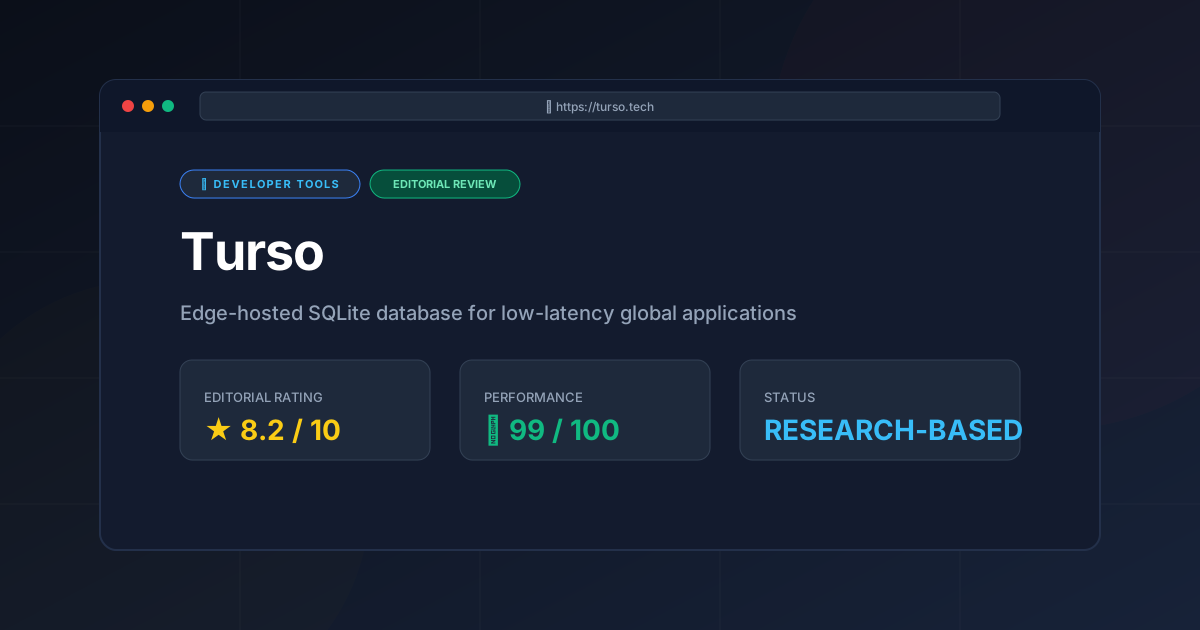
Editorial Rating: 8.2/10 #
Recommendation: Highly recommended for edge-native development. It is a powerful tool that brings the reliability of SQLite to the global edge.
More Tools Worth Reading
Warp
Developer ToolsModern terminal Warp reimagines the CLI with AI and blocks. Discover if this Rust-based powerhouse can actually boost your dev productivity.

New Tool Reviews: What PulseTools Published in 2026
Developer ToolsNew tool reviews: a dated log of every review this site has published, newest first, with the category and depth of each one, written from published r...
Windsurf
Developer ToolsAgentic IDE Windsurf analyzed: discover how its flow-state AI and deep indexing can accelerate your coding workflow. Read the full technical review.