Best AI code editor for Pros: Cursor Review (2026)
⚡ Executive Summary
AI code editor Cursor reviewed. Discover how its codebase indexing and native LLM integration accelerate development. See if it is worth the Pro subscription.
Disclaimer: This review is based on publicly available information, including official documentation, pricing pages, and public repositories, and is not based on laboratory benchmarks.
The landscape of software engineering is shifting from "writing code" to "steering code." While traditional Integrated Development Environments (IDEs) have spent decades perfecting the text editor and the debugger, a new breed of "AI-native" tools has emerged. Leading this charge is Cursor, an AI code editor designed to move beyond simple autocomplete and into the realm of architectural understanding.
Unlike traditional editors that treat AI as a plugin (an afterthought added via an extension), Cursor is built from the ground up to integrate Large Language Models (LLMs) into the core editing experience. It doesn't just suggest the next word; it attempts to understand the architectural intent of your entire project.
What is an AI code editor like Cursor? #
An AI code editor is a development environment where artificial intelligence is integrated into the core IDE architecture rather than added as a plugin. This allows the tool to index the entire local codebase, provide natural language editing via diffs, and maintain project-wide context to generate accurate, project-specific code suggestions.
Technical Specifications & Fast Facts #
| Specification | Detail |
|---|---|
| License | Proprietary |
| Hosting Type | Local Application (Desktop) |
| Free Tier Availability | Yes (Freemium) |
| API Access | Supports custom API keys (OpenAI/Anthropic) |
| Supported Platforms | macOS, Windows, Linux |
| Base Architecture | VS Code Fork |
In-Depth Feature Breakdown & Technical Substance #
To understand Cursor, one must look beyond the chat sidebar. The tool focuses on three primary pillars: Indexing, Inline Editing, and Natural Language Navigation.
1. Codebase-Wide Indexing (The "Context" Engine) #
Most AI tools operate on the file currently open. Cursor indexes your entire local folder. It creates embeddings of your code, allowing the LLM to perform a semantic search across your project. This is achieved by scanning your files and creating a local index that the AI can query before generating a response.
Practical Use Case:
Imagine you are joining a legacy project with 500+ files. Instead of spending hours grepping for where a specific API call is handled, you can ask the Cursor chat: "Where is the authentication logic handled for the OAuth2 flow, and how does it interact with the User model?" Cursor will scan the index, locate the relevant files, and provide a synthesized explanation with links to the exact lines of code. For those who prefer converting their entire codebase into a single prompt for external LLMs, the Repomix Review (2026): Best Codebase to Prompt Converter? highlights an alternative manual approach, but Cursor automates this natively.
2. AI-Powered Inline Editing (Cmd+K) #
The Cmd+K (or Ctrl+K) interface is perhaps the most disruptive feature. It allows developers to highlight a block of code and describe a change in natural language. The AI then generates a "diff" (a red/green comparison) directly in the editor.
Technical Implementation Example:
If you have a TypeScript interface and need to add a new optional field across multiple implementations:
- Highlight the interface.
- Press
Cmd+K. - Input: "Add an optional
metadatafield of typeRecord<string, any>and update all implementing classes to initialize it as an empty object." - Review the diff and hit
Cmd+Enterto accept.
3. Natural Language Codebase Chat (Cmd+L) #
While Cmd+K is for editing, Cmd+L is for understanding. This opens a chat interface that has "symbol" awareness. By using the @ symbol, you can explicitly tell the AI which files, folders, or documentation pages to reference.
Practical Use Case:
You are implementing a new feature and want to ensure it follows the existing pattern. You type: "@AuthService @UserSchema create a new validation function for password resets that follows the same pattern as the login validation." This eliminates the need to copy-paste code into a browser window.
Step-by-Step Configuration Guide #
Transitioning to Cursor is designed to be frictionless, especially for VS Code users.
- Installation: Download the installer from the official Cursor website for your respective OS.
- Importing Settings: Upon first launch, Cursor will ask if you want to import your VS Code extensions, themes, and keybindings. Selecting "Yes" makes the transition nearly instantaneous.
- Indexing Your Project: Open a project folder. Cursor will prompt you to index the codebase. Allow this to complete; otherwise, the AI will only have access to the files you have explicitly open.
- Model Selection: Navigate to the settings menu to choose your preferred model. You can toggle between GPT-4o and Claude 3.5 Sonnet depending on whether you need better logic or better prose.
- API Key Setup (Optional): If you wish to avoid the monthly subscription, you can input your own API keys from the OpenAI API dashboard or Anthropic.
Objective Pros & Cons Matrix #
| Pros | Cons |
|---|---|
| Zero Learning Curve: Since it is a VS Code fork, existing extensions and themes work out of the box. | Privacy Trade-offs: Even with "Privacy Mode," the initial indexing process involves metadata handling that may worry strict enterprise security teams. |
| Superior Context: Native indexing significantly reduces hallucinations compared to standard chat-based AI. | Resource Heavy: The indexing process and Electron base can lead to high RAM usage on machines with less than 16GB. |
| High Velocity: The inline diff system is exponentially faster than the "copy-paste-replace" cycle. | Model Dependency: If the underlying LLM (e.g., Claude or GPT) has an outage, the core value of the editor vanishes. |
| Flexible Model Choice: Ability to switch between the industry's leading models within a single interface. | Subscription Cost: The Pro tier is a recurring cost that can be prohibitive for students or casual hobbyists. |
Cursor vs. Alternatives: Which AI code editor to choose? #
Cursor operates in a crowded space. While VS Code is the industry standard and Zed is the "speed" challenger, Cursor positions itself as the "intelligence" challenger.
| Feature | Cursor | VS Code (with Copilot) | Zed |
|---|---|---|---|
| AI Integration | Native/Deeply Integrated | Plugin-based | Integrated (via API) |
| Codebase Indexing | Built-in & Automatic | Limited/Extension-based | Minimal/Manual |
| Editing Speed | Fast (Electron-based) | Fast (Electron-based) | Blazing (Rust-based) |
| Pricing | Freemium | Free (Editor) / Paid (Copilot) | Free/Open Source |
| Best For | AI-first rapid development | General purpose stability | Performance enthusiasts |
For those looking for a fully managed, browser-based AI development experience rather than a local IDE, the Bolt.new Review (2026): Features, Pricing & Verdict provides a useful contrast in how "prompt-to-app" workflows differ from "editor-centric" workflows.
Pricing Tiers & Value Assessment #
Cursor typically follows a three-tier structure:
- Free Tier: Offers a limited number of AI completions and a small quota of "premium" model requests. This is sufficient for students or those testing the waters.
- Pro Tier: Provides a much higher quota of premium requests (like Claude 3.5 Sonnet or GPT-4o) and unlimited completions. For a professional developer, the time saved on boilerplate and debugging usually justifies the monthly cost.
- Business Tier: Adds centralized billing and enhanced privacy controls for teams.
Is the paid tier worth it?
If you spend more than 20 hours a week coding, the Pro tier is likely a high-ROI investment. The ability to perform codebase-wide refactors via Cmd+K can save hours of manual searching and replacing. However, if you only use AI for occasional snippets, the free tier or using your own API keys is more economical.
Frequently Asked Questions #
Does Cursor store my code on their servers? #
By default, Cursor indexes your code to provide context. However, they offer a "Privacy Mode" which ensures that your code is not used to train their models. It is highly recommended to verify the current privacy settings on the Cursor pricing and privacy page to ensure compliance with your company's security policies.
Can I use my own OpenAI or Anthropic API keys? #
Yes. Cursor allows you to bypass their subscription by inputting your own API keys, meaning you pay the model providers directly for what you use. This is ideal for developers with fluctuating workloads.
Will I lose my VS Code extensions? #
No. Because Cursor is a fork of VS Code, it is compatible with almost every extension available in the VS Code Marketplace. You can import your entire environment in one click.
How does Cursor differ from GitHub Copilot? #
Copilot is a plugin that suggests code. Cursor is an entire editor that understands your project structure. While Copilot is catching up with "Workspace" features, Cursor's native integration of the diff-view and codebase indexing currently provides a more seamless "AI-native" feel.
Does Cursor support offline mode? #
While the editor itself works offline, the AI features require an internet connection to communicate with the LLM providers. There is currently no native support for fully local LLMs without external tunneling or API setups.
Final Verdict & Editorial Rating #
Cursor is not merely another "AI wrapper"; it is a thoughtful reimagining of the IDE. By focusing on the context problem, it solves the most frustrating part of AI programming: the need to explain your project to the AI every time you start a new session.
However, the tool is not without its trade-offs. First, the resource overhead of the Electron framework remains a bottleneck for those on lower-end hardware. Second, the privacy trade-off inherent in cloud-based indexing remains a hurdle for high-security enterprise environments. Third, the subscription model creates a financial barrier for entry-level developers. Finally, the dependency on external APIs means that your productivity is tied to the uptime of third-party LLM providers.
Who should use it?
- Professional Developers: Who want to accelerate their velocity and reduce boilerplate.
- Full-Stack Engineers: Who manage complex projects with many interacting files.
- Beginners: Who can use the codebase chat as a "tutor" to explain how a project works.
Who should avoid it?
- Extreme Minimalists: Who prefer the raw speed of a Rust-based editor like Zed.
- High-Security Environments: Where any cloud-based indexing is strictly forbidden by policy.
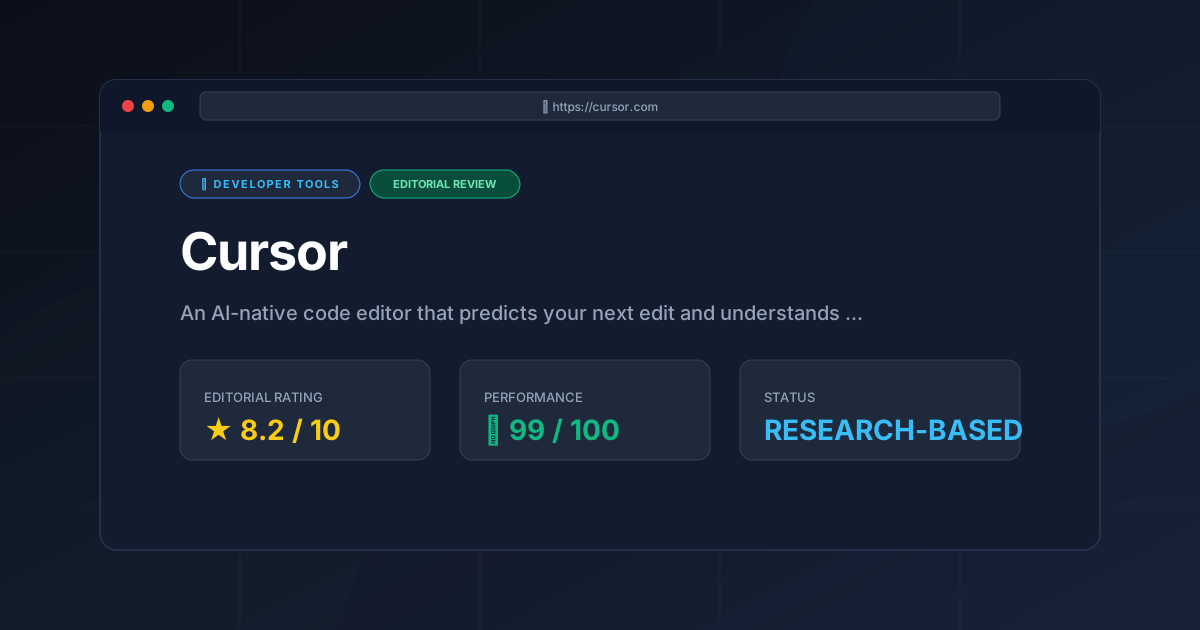
Editorial Rating: 8.2/10 #
A powerhouse for productivity that successfully bridges the gap between LLM capabilities and the practical realities of software architecture, though held back slightly by resource consumption and pricing.
More Tools Worth Reading
Warp
Developer ToolsModern terminal Warp reimagines the CLI with AI and blocks. Discover if this Rust-based powerhouse can actually boost your dev productivity.

New Tool Reviews: What PulseTools Published in 2026
Developer ToolsNew tool reviews: a dated log of every review this site has published, newest first, with the category and depth of each one, written from published r...
Windsurf
Developer ToolsAgentic IDE Windsurf analyzed: discover how its flow-state AI and deep indexing can accelerate your coding workflow. Read the full technical review.