Mistral AI Le Chat Review (2026): Features, Pricing & Verdict
⚡ Executive Summary
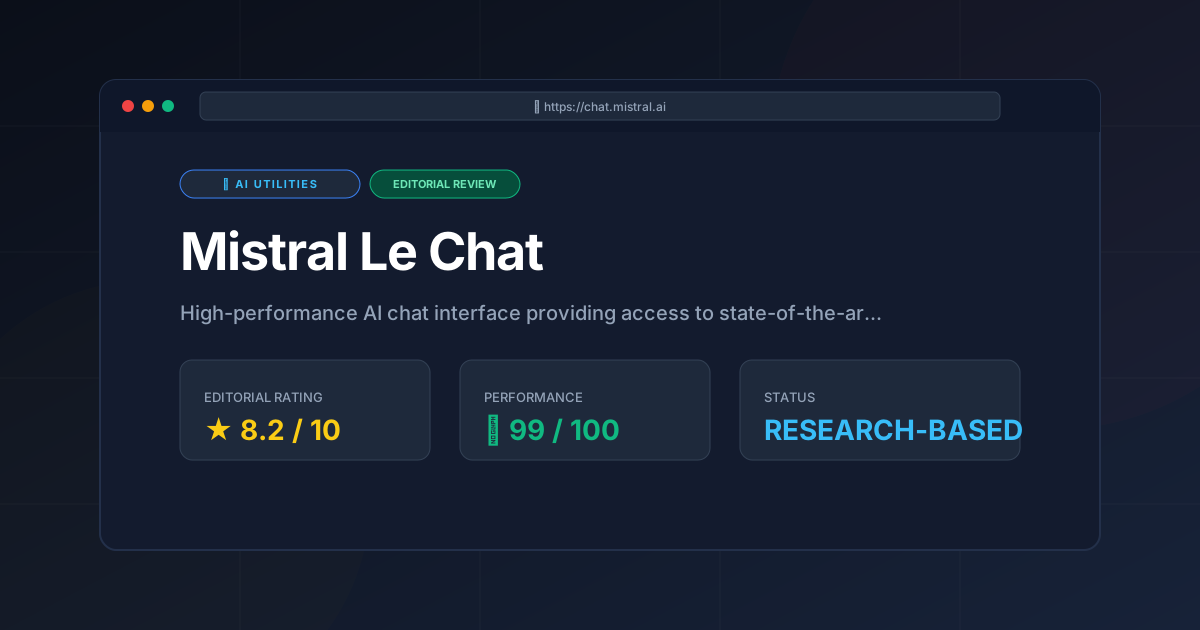
Mistral AI Le Chat is a powerhouse for developers. Explore our deep dive into its 2026 features, pricing, and technical trade-offs to see if it fits your stack.
Disclaimer: This review is based on publicly available information, including official documentation, pricing pages, and public repositories; it is not based on laboratory benchmarks or internal first-person testing.
Overview: What is Mistral AI and Why is it Trending? #
Mistral AI is a European leader in the Large Language Model (LLM) space, renowned for creating high-efficiency models that challenge the dominance of US-based giants. Mistral Le Chat is the primary conversational interface developed by Mistral AI, serving as the accessible gateway for users to interact with these models without needing to manage their own GPU infrastructure or complex API integrations.
Mistral AI is a provider of high-performance large language models (LLMs) that emphasizes efficiency and open-weight availability. Its primary chat interface, Le Chat, allows users to interact with various model sizes—from lightweight to frontier-class—to perform coding, reasoning, and content generation tasks within a streamlined web environment.
The tool is currently trending because it bridges the gap between the accessibility of a consumer chat app and the flexibility required by professional developers. While ChatGPT and Claude have dominated the narrative, Le Chat offers a distinct alternative by leveraging an efficiency-first architecture. For developers, the appeal lies in the synergy between the chat interface and the underlying open-weight ecosystem, allowing for a smoother transition from prototyping in a chat window to deploying a model in a production environment.
Key Technical Specifications & Fast Facts #
To understand where Mistral AI fits in the current AI landscape, it is essential to look at its operational framework and the specifications of the models powering the interface.
| Specification | Detail |
|---|---|
| License | Proprietary Interface / Open-Weight Model Backends |
| Hosting Type | Cloud-based (SaaS) |
| Free Tier Availability | Yes (Freemium) |
| API Access | Available via La Plateforme |
| Supported Platforms | Web Browser (Cross-platform) |
| Model Architecture | Transformer-based (Optimized for efficiency) |
In-Depth Feature Breakdown & Real-World Use Cases #
Mistral Le Chat is not merely a text box; it is designed as a productivity environment. Below is a technical analysis of its most impactful features and how they apply to professional workflows.
1. Canvas-like Editing and Iteration #
One of the most significant additions to Le Chat is its approach to content creation, moving away from a linear chat history toward a more spatial, "canvas" style of editing. This allows users to generate a piece of code or a long-form document and then refine specific sections without regenerating the entire response.
Practical Workflow Example:
Imagine a developer writing a Python FastAPI endpoint. Instead of asking the AI to "rewrite the whole script to add error handling," the user can highlight the specific function block and request a targeted modification. This mirrors the utility found in the Claude Artifacts Review (2026): Features, Pricing & Verdict, where the separation of chat and output enables a more iterative development cycle.
2. Multi-Model Switching #
Le Chat provides the ability to switch between different versions of Mistral AI models (such as the Large, Small, and Medium variants) within the same interface. This is critical for optimizing the trade-off between reasoning depth and latency.
Technical Trade-offs:
- Mistral Large: Optimized for complex architectural planning, deep logic errors in distributed systems, and high-nuance multilingual translation.
- Mistral Small/Medium: Optimized for rapid boilerplate generation, unit test writing, or simple documentation summaries where speed is prioritized over deep reasoning.
3. High Context Window Management #
Mistral AI models are renowned for their ability to handle significant amounts of data in a single prompt. Le Chat leverages this to allow users to upload large documents or paste extensive codebases for analysis.
Practical Workflow Example:
A developer can upload three different documentation PDFs for a legacy API and ask Le Chat to map the dependencies between them. Because of the high context window, the model is less likely to "forget" the beginning of the document by the time it reaches the end, reducing the need for complex RAG (Retrieval-Augmented Generation) setups for simple analysis tasks.
Step-by-Step Configuration and Getting Started Guide #
Setting up Mistral Le Chat is designed to be frictionless to encourage rapid adoption. Follow these steps to optimize your environment.
- Account Creation: Navigate to https://chat.mistral.ai and sign up using an email address or a supported SSO provider.
- Model Selection: Upon entering the chat interface, locate the model selector dropdown. Choose the model that fits your current task (e.g., "Mistral Large" for complex reasoning).
- Initiating a Project: Start a new conversation. If you are working on code, use the "Canvas" or editing features to keep your primary output separate from the conversational instructions.
- Integrating with API (Optional): For those who wish to move beyond the chat interface, visit the official Mistral AI documentation to generate API keys and integrate the same models into your own IDE or application.
- Managing History: Use the sidebar to organize your conversations by project or topic to maintain a clean workspace.
Objective Pros & Cons Matrix #
Every tool has technical trade-offs. Here is the candid breakdown of where Mistral AI excels and where it falls short.
Pros
- European Sovereignty: Offers a strong alternative to US-centric AI models, often with different alignment biases and data handling perspectives.
- Efficiency: The underlying models are optimized for high performance-to-parameter ratios, resulting in fast response times.
- Open-Weight Synergy: The ability to test a model in Le Chat and then deploy the open-weight version locally via repositories like Hugging Face is a massive advantage for privacy-conscious developers.
- Clean UX: The interface is minimalist and avoids the "feature bloat" seen in some competitors.
Cons
- Ecosystem Integration: Lacks the deep integration with productivity suites (like Microsoft 365 or Google Workspace) that ChatGPT and Claude possess.
- Plugin Ecosystem: The third-party plugin and "GPT-like" store ecosystem is less mature than that of OpenAI.
- Multimodal Limitations: While improving, its native image generation and advanced multimodal capabilities may not yet match the absolute cutting edge of the highest-funded competitors.
Mistral AI vs. Competitors: Direct Comparison #
| Feature | Mistral Le Chat | ChatGPT (OpenAI) | Claude (Anthropic) |
|---|---|---|---|
| Primary Strength | Open-weight synergy & Efficiency | Ecosystem & Multimodality | Nuanced Reasoning & Coding |
| Editing Interface | Canvas-like editing | Basic chat / Advanced Data Analysis | Artifacts (Side-by-side) |
| Speed | Very High | High (varies by model) | Moderate to High |
| Pricing | Freemium | Freemium | Freemium |
| Best For | Developers & Privacy-focused users | General consumers & Power users | Writers & Complex Coders |
Pricing Tiers & Value Assessment #
Mistral Le Chat operates on a Freemium model. While the free tier is generous—providing access to powerful models for standard conversational use—the paid tiers (typically managed through La Plateforme for API usage or premium chat subscriptions) offer higher rate limits and priority access to the most capable models.
Is the paid tier worth it?
For the average user, the free tier is likely sufficient. However, for professional developers, the value lies in the API integration. If your workflow requires automating tasks—perhaps by combining the reasoning of Mistral AI with a tool like those discussed in our Browser Use AI Review (2026): Features, Pricing & Verdict—the transition to a paid API plan is essential. The value proposition is not just in the "chat," but in the ability to scale the model's intelligence across an entire software pipeline.
Technical Implementation Checklist for Developers #
If you are considering moving from Le Chat to a production environment, use this checklist to ensure a smooth transition:
- [ ] Model Selection: Have you identified if Mistral Small or Large is sufficient for your latency requirements?
- [ ] Context Mapping: Have you tested the maximum token limit for your specific dataset to avoid truncation?
- [ ] API Key Security: Are your keys stored in environment variables rather than hardcoded in your scripts?
- [ ] Local Fallback: Have you explored hosting the open-weight version locally via vLLM or Ollama for offline redundancy?
- [ ] Prompt Versioning: Have you documented the system prompts that worked best in Le Chat for replication in the API?
Frequently Asked Questions #
Is Mistral Le Chat completely free? #
It offers a robust free tier for conversational use. However, high-volume usage or API integration for external applications requires a paid plan via Mistral's platform. This allows the company to maintain high-performance infrastructure while remaining accessible to hobbyists.
How does Le Chat differ from using a Mistral AI model locally? #
Le Chat is a hosted SaaS experience; it requires no hardware and is managed by the provider. Using a model locally (via Ollama or vLLM) gives you total privacy and control but requires your own GPU hardware and technical setup.
Can Le Chat browse the internet in real-time? #
Mistral has integrated web-search capabilities into Le Chat to provide up-to-date information. While effective for general queries, the accuracy can vary depending on the complexity of the source material and the current web index.
Does Le Chat support multiple languages? #
Yes, Mistral AI models are natively multilingual. They perform exceptionally well in English, French, German, Spanish, and Italian, making them a preferred choice for European enterprises.
How does the "Canvas" feature compare to traditional chat? #
The Canvas feature allows for non-linear editing. Instead of regenerating a full response to change one sentence, users can edit specific blocks of text or code, significantly reducing token waste and improving the speed of iteration.
Final Verdict & Editorial Rating #
Mistral AI Le Chat is a formidable contender in the AI utility space. It avoids the trap of trying to be "everything for everyone" and instead focuses on providing a high-performance, efficient, and developer-friendly interface for some of the world's best open-weight models.
The tool's greatest strength is its transparency and the path it provides from a simple chat interaction to a full-scale deployment. While it may lack the sheer breadth of the OpenAI ecosystem, its precision and speed make it a superior choice for those who value technical efficiency over consumer-grade bells and whistles.
Who should use it?
- Developers who want to prototype with models they can later host themselves.
- Technical Writers who benefit from the canvas-style iterative editing.
- Users seeking a high-performance alternative to US-based AI giants.
Editorial Rating: 8.2/10 #
Recommendation: If you are already using Claude or ChatGPT, Le Chat is worth integrating into your workflow as a "second opinion" model, particularly for coding and structured data tasks. For developers, it is an essential tool for testing the capabilities of the Mistral AI ecosystem before committing to a local deployment.
More Tools Worth Reading
Cline
Ai UtilitiesCline AI is a powerful open-source autonomous coding agent for VS Code. Read our deep-dive review to discover its features, costs, and setup workflows...
v0.dev
Ai UtilitiesAI UI generator v0.dev reviewed. Learn how this Vercel tool transforms prompts into React code to accelerate your frontend development workflow.
Vercel v0
Ai UtilitiesAI UI generator Vercel v0 reviewed. Learn how to automate React and Tailwind CSS components to accelerate your frontend development workflow today.