GTD Software Review: OmniFocus (2026) Full Analysis
⚡ Executive Summary
GTD software must be rigorous. OmniFocus provides a professional framework for complex task management. See if it is the right system for your workflow.
Disclaimer: This review is based on publicly available information, including official documentation, pricing pages, and public repositories; it is not a laboratory benchmark.
As the Lead Technical Reviewer at PulseTools, I have observed a recurring trend in the productivity market: the divide between "checklist apps" and "systemic task managers." While the former focuses on the immediate "to-do," the latter focuses on the architecture of work. OmniFocus sits firmly in the latter category. It is not merely a tool for recording tasks, but a digital implementation of the Getting Things Done (GTD) methodology created by David Allen. For those seeking dedicated GTD software, OmniFocus represents the gold standard for structural rigidity and professional-grade task organization.
Overview #
GTD software is a specialized category of productivity tools designed to implement the "Getting Things Done" methodology. Unlike standard to-do lists, it emphasizes capturing all commitments into an inbox, clarifying them into actionable steps, organizing them by context, and maintaining a trusted system through regular review cycles.
OmniFocus is a professional-grade task management system designed specifically for individuals who manage high volumes of complex, overlapping projects. Unlike generic productivity apps, it is built on the premise that the human brain is for having ideas, not holding them. It provides a rigorous framework for capturing, processing, and reviewing every commitment in a user's life.
The tool is currently trending among "power users"—executives, freelancers, and project managers—who have outgrown simpler tools. As professional workloads become more fragmented across multiple devices and contexts, the demand for a "single source of truth" that supports complex nesting and strict filtering has surged. While many users start with simpler options found in our guide to the Best Productivity in 2026: 5 Top Picks Reviewed, they often migrate to OmniFocus when they require a system that enforces a disciplined review cycle.
Key Technical Specifications & Fast Facts #
| Specification | Detail |
|---|---|
| License | Proprietary / Paid |
| Hosting Type | Local (with optional Cloud Sync) |
| Free Tier Availability | No (Trial available) |
| API Access | Yes (via OmniJS and AppleScript) |
| Supported Platforms | macOS, iOS, iPadOS |
In-Depth Feature Breakdown of this GTD Software #
OmniFocus distinguishes itself through three core technical pillars: Contexts, Review Cycles, and Project Nesting. To understand the full capability of this GTD software, one must look at how these features interact to reduce cognitive load.
1. Context-Based Filtering #
In most task managers, you filter by "Project" or "Date." OmniFocus introduces "Contexts," which represent the tool, place, or person required to complete a task.
Real-World Workflow Example:
Imagine a consultant managing three different clients. Instead of looking at "Client A's" project list, the consultant filters by the context @Computer or @Phone.
- The Logic: If the user is currently at their desk, they only see tasks across all projects that can be done at a computer. This prevents the cognitive load of seeing "Call Client B" (which requires a phone) while they are in a deep-work state on their laptop.
2. The Review Cycle #
The most significant technical differentiator of OmniFocus is the "Review" perspective. GTD requires a Weekly Review to ensure the system remains trusted. OmniFocus automates the scheduling of these reviews.
Technical Implementation:
The software flags projects and tags for review based on a user-defined frequency (e.g., every 7 days). When a project enters the "Review" state, it is surfaced in a dedicated perspective. The user must manually mark the project as "Reviewed," which resets the timer. This ensures that no project "goes dark" or is forgotten, a common failure point in tools like Todoist or Things 3.
3. Complex Project Nesting and Sequentiality #
OmniFocus allows for deep hierarchical nesting of projects and tasks. More importantly, it supports "Sequential" vs. "Parallel" projects.
- Sequential Projects: Only the first available action is visible. The second task remains hidden until the first is completed. This is critical for linear workflows (e.g., "Apply for Permit" $\rightarrow$ "Wait for Approval" $\rightarrow$ "Begin Construction").
- Parallel Projects: All actions are visible simultaneously, allowing the user to choose based on energy level or priority.
For those managing enterprise-level coordination, this level of granularity is similar to the structural depth found in Project Tracking with Asana (2026): Full Review & Guide, though OmniFocus is optimized for the individual rather than the team.
Step-by-Step Configuration Guide #
To avoid "tool overwhelm," new users should implement this GTD software in stages:
Phase 1: The Capture Phase #
- The Brain Dump: Use the "Inbox" to record every single task, idea, or commitment. Do not worry about projects or dates yet.
- Quick Entry: Configure the macOS keyboard shortcut for "Quick Entry" to ensure you can capture ideas without leaving your current application.
Phase 2: The Clarification Phase #
- Processing: Go through your Inbox. For each item, ask: "Is it actionable?"
- If no: Delete it, archive it, or put it in a "Someday/Maybe" folder.
- If yes: Assign it to a Project and a Context.
- Defining Contexts: Create tags for your common environments (e.g.,
@Office,@Home,@Errands,@Email).
Phase 3: The Maintenance Phase #
- Setting the Review Cadence: Navigate to the project settings and set your review frequency.
- Calendar Integration: Block out two hours every Friday on your calendar to execute the "Review" perspective.
- Execution: Stop looking at the "All Tasks" list. Instead, use "Perspectives" to see only what is actionable now based on your current context and deadline.
Technical Edge Cases and Trade-offs #
While OmniFocus is powerful, it introduces specific technical trade-offs that users must consider.
The "Over-Organization" Trap:
Because the software allows for infinite nesting and complex tagging, users often fall into the trap of "productivity procrastination." This occurs when the user spends more time refining the architecture of the system than executing the tasks. To mitigate this, it is recommended to limit project nesting to three levels deep.
Syncing and Data Integrity:
OmniFocus offers several sync options. Local sync is fastest but lacks redundancy. Cloud sync provides accessibility across Apple devices but can occasionally lead to merge conflicts if the same task is edited on an iPhone and Mac simultaneously while offline. Users should prioritize a primary device for "Processing" and use mobile devices primarily for "Capture."
Automation via OmniJS:
For developers, the ability to use OmniJS allows for the creation of custom scripts. For example, a user can write a script to automatically move all tasks tagged @LowEnergy to a specific folder every Monday morning. This level of extensibility is rare in the consumer task management space.
Objective Pros & Cons Matrix #
| Pros | Cons |
|---|---|
| Unrivaled GTD Fidelity: The most accurate digital implementation of the GTD method available today. | Steep Learning Curve: Not intuitive for beginners; requires a significant mindset shift and study. |
| Powerful Filtering: Contexts and Perspectives allow for surgical precision in task selection. | Ecosystem Lock-in: Strictly limited to the Apple ecosystem (macOS/iOS/iPadOS). |
| Robust Automation: Deep integration with AppleScript and OmniJS for power users to build custom workflows. | Pricing: Higher cost of entry and subscription fees compared to freemium competitors. |
| Review Enforcement: Prevents project stagnation through automated, recurring review prompts. | Over-Engineering: Risk of "productivity procrastination" where users spend more time organizing than doing. |
OmniFocus vs. Alternatives: Which GTD Software Wins? #
When comparing OmniFocus to other tools, the decision usually comes down to the volume of tasks you manage.
| Feature | OmniFocus | Things 3 | Todoist |
|---|---|---|---|
| GTD Focus | Extreme / Native | Moderate / Clean | Light / Flexible |
| Project Logic | Sequential & Parallel | Simple Lists | Simple Lists |
| Review System | Automated/Built-in | Manual | Manual |
| Platform | Apple Only | Apple Only | Cross-Platform |
| Speed | Moderate (Heavy) | Very Fast (Fluid) | Fast (Cloud-based) |
| Pricing | Paid (Premium) | Paid (One-time/App) | Freemium/Subscription |
| Best For | Power Users / GTD Purists | Minimalists / Aesthetics | General Users / Teams |
Pricing Tiers & Value Assessment #
OmniFocus typically operates on a paid model. Detailed costs can be found on the official OmniFocus pricing page. For the average user who only needs a grocery list and a few work reminders, this is an unjustifiable expense.
However, for the professional managing 50+ active projects, the value proposition changes. The cost of a "lost" project or a missed deadline in a high-stakes professional environment far outweighs the software license fee. The "value" here is not in the task list, but in the psychological relief of knowing the system is capturing everything. If you find yourself constantly stressed by the "invisible" tasks you might be forgetting, the investment in this GTD software is warranted.
Frequently Asked Questions #
Do I need to know the GTD method to use OmniFocus? #
Yes, it is highly recommended. While you can use it as a basic list, you will find the interface confusing without a basic understanding of GTD. It is suggested to read Getting Things Done by David Allen or watch a primer on the methodology before investing in the software.
Can I collaborate with my team in OmniFocus? #
No. OmniFocus is designed as a personal productivity tool. It lacks the shared workspaces and real-time collaboration features found in team-centric tools. If you need team scheduling, you might look into the Best Scheduling Tool for Teams: Cal.com Review (2026).
Is there a Windows or Android version? #
No. OmniFocus is developed by The Omni Group and is exclusively available for macOS, iOS, and iPadOS. For cross-platform needs, you will need to look at alternative GTD software options like Todoist.
How does OmniFocus handle deadlines versus "due dates"? #
OmniFocus makes a technical distinction between "Deferred" dates (when a task becomes visible) and "Due" dates (when it must be finished). This prevents your list from being cluttered with tasks you cannot possibly start until a future date.
Where can I find technical documentation for automation? #
Power users can access the OmniFocus official documentation to learn about AppleScript and OmniJS integrations for automating repetitive task creation.
Final Verdict & Editorial Rating #
OmniFocus is not a "productivity app" in the modern, gamified sense. It is a professional tool—more akin to a CRM for your life than a to-do list. Its strength lies in its rigidity; by forcing the user to categorize by context and commit to a review cycle, it eliminates the ambiguity that plagues most task managers.
The primary drawback is the barrier to entry. The combination of a steep learning curve, a premium price point, and Apple-exclusive availability makes it a niche product. However, for the specific persona it targets—the overwhelmed power user—it is arguably the most capable GTD software on the market. If you are committed to the David Allen methodology and reside in the Apple ecosystem, OmniFocus is the definitive choice.
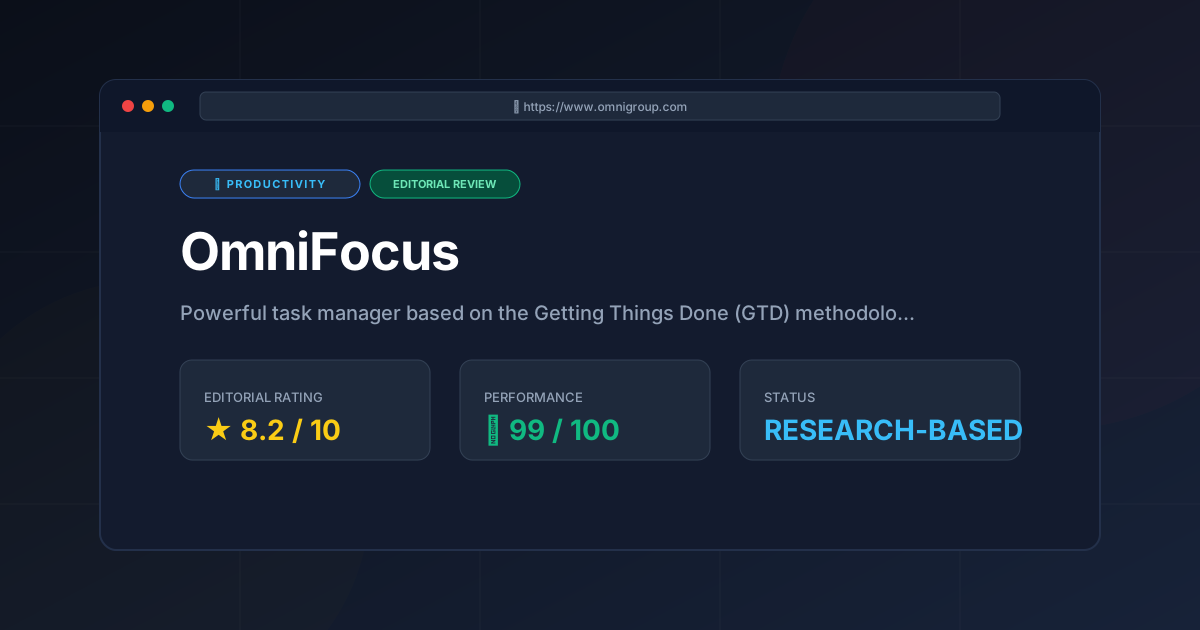
Editorial Rating: 8.2/10
Who should use it?
- Recommended for: GTD practitioners, executives, freelancers with complex project loads, and Apple power users who want a "system" rather than a "list."
- Not recommended for: Casual users, those seeking a free tool, Windows/Android users, or people who prefer a minimalist, low-friction interface.
More Tools Worth Reading
Screenpipe
ProductivityIn-depth review of Screenpipe in 2026: key features, pricing, alternatives and who it is best for.
Paperclip
ProductivityIn-depth review of Paperclip in 2026: key features, pricing, alternatives and who it is best for.
Hindsight
ProductivityHindsight review: Explore how this open-source agent memory layer eliminates LLM amnesia, cuts token costs, and powers self-learning AI workflows in 2...