Best react form library 2026: React Hook Form Review
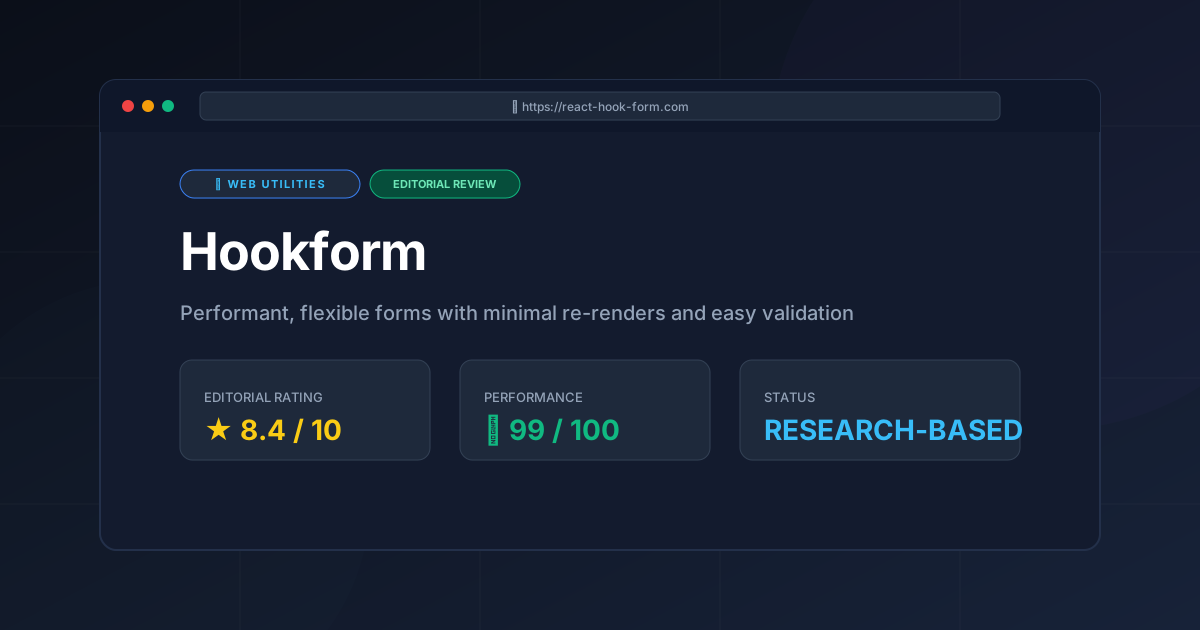
⚡ Executive Summary
react form library analysis: Discover why React Hook Form dominates in 2026 for performance and scalability. Read our full technical breakdown here.
Disclaimer: This review is based on publicly available information, including official documentation, the public GitHub repository, and pricing pages; it is not based on a laboratory benchmark.
In the modern React ecosystem, managing user input has historically been a source of significant performance degradation. Traditional approaches rely on "controlled components," where every single keystroke triggers a state update, causing the entire form—and often its parent components—to re-render. For complex enterprise forms with dozens of inputs, this leads to noticeable input lag. Choosing the right react form library is therefore critical to maintaining a fluid user experience and high Core Web Vitals scores.
What is a react form library like Hookform? #
A react form library is a specialized toolkit designed to manage form state, validation, and submission logic within React applications. React Hook Form specifically utilizes uncontrolled components via refs to minimize re-renders, allowing developers to build high-performance forms that remain responsive even as the number of input fields scales into the hundreds.
In-Depth Feature Breakdown & Real-World Use Cases #
1. Uncontrolled Components & Render Optimization #
The core technical achievement of Hookform is its reliance on uncontrolled components. In a standard controlled form, you would use useState for every input. In Hookform, the register function connects the input to the library's internal logic without forcing a state update on every change.
Real-World Use Case: Imagine a massive "User Profile" page with 50+ input fields, including nested addresses and preferences. In a controlled setup, typing in the "First Name" field would re-render all 49 other fields. With Hookform, only the "First Name" field (and potentially a specific error message) re-renders, keeping the UI snappy regardless of form size.
2. Schema-Based Validation (Zod & Valibot Integration) #
While Hookform supports built-in validation (required, min/max, pattern), its true power lies in its integration with schema validation libraries like Zod or Valibot. This allows developers to define the "shape" of their data in a single source of truth that can be shared between the frontend and the backend.
Workflow Example:
A developer defines a Zod schema:
const schema = z.object({
  email: z.string().email(),
  age: z.number().min(18),
});
By using the @hookform/resolvers package, this schema is plugged directly into the useForm hook. If the user enters an invalid email, Hookform automatically populates the errors object without the developer having to write manual if/else checks for every field.
3. Flexible Form State Management #
Hookform provides a comprehensive set of tools to track the lifecycle of a form. Through the formState object, developers can access properties like isDirty (has the user changed anything?), isSubmitting (is the API call in progress?), and isValid.
Real-World Use Case: Implementing a "Save Changes" button that remains disabled until the user has actually modified a field (isDirty) and the form passes all validation rules (isValid). This prevents unnecessary API calls and improves the UX by providing clear visual cues.
4. Integration with UI Frameworks #
Because Hookform uses a Controller component for components that don't expose a ref (like Material UI, Ant Design, or custom-built select boxes), it remains compatible with almost any design system. This ensures that developers aren't locked into a specific UI style to achieve high performance. For those auditing their overall site quality and performance, ensuring a smooth form experience is a key part of the AdSense Approval Checklist 2026: Get Your Site Approved Fast, as high bounce rates from laggy forms can negatively impact site metrics.
Step-by-Step Getting Started Guide #
To implement this react form library in a project, follow these architectural steps:
Step 1: Installation #
Install the core library via your preferred package manager. You can find the full installation guide on the official React Hook Form site.
npm install react-hook-formIf you intend to use schema validation (highly recommended), install the resolver and a schema library:
npm install @hookform/resolvers zodStep 2: Initialize the Hook #
Import useForm and initialize it within your functional component. This is where you define your default values, which is critical for TypeScript type safety.
Step 3: Registering Inputs #
Use the register function to link your HTML inputs to the Hookform state.
<input {...register("firstName")} />The spread operator ...register applies the necessary onChange, onBlur, and ref attributes to the element.
Step 4: Handling Submission #
Pass a handler function to the handleSubmit wrapper. This wrapper ensures that the submission function is only called if the form validation passes.
Step 5: Displaying Errors #
Access the errors object from formState to conditionally render error messages below your inputs, providing immediate feedback to the user.
Objective Pros & Cons Matrix #
| Pros | Cons |
|---|---|
| Extreme Performance: Minimal re-renders make it ideal for large-scale forms. | Learning Curve: The "uncontrolled" mental model is counter-intuitive for those used to useState. |
Reduced Boilerplate: Eliminates the need for dozens of manual onChange handlers. |
Ref Dependency: Integration with abstracted 3rd party components requires the Controller wrapper. |
| TypeScript First: Excellent type inference for form values and errors. | Dynamic Field Complexity: Managing deeply nested arrays via useFieldArray is more verbose than in some rivals. |
| Zero Dependencies: The core library is lightweight and doesn't bloat the bundle. | Edge Case Documentation: Some advanced scenarios require searching the public GitHub repository for answers. |
Hookform vs. Competitors: Direct Comparison #
When choosing a react form library, it is essential to compare the architectural approach of Hookform against its primary rivals.
| Feature | Hookform | Formik | React Final Form |
|---|---|---|---|
| Rendering Logic | Uncontrolled (Refs) | Controlled (State) | Subscription-based |
| Performance | High (Minimal re-renders) | Moderate (Re-renders on change) | High |
| Boilerplate | Very Low | Moderate | Moderate |
| Validation | Schema-based (Zod/Valibot) | Yup / Manual | Manual / Custom |
| Pricing | Open Source | Open Source | Open Source |
| Best For | Performance-critical, large forms | Small to medium, simple forms | High-performance, complex state |
While Formik was the dominant player for years, the industry has largely shifted toward Hookform due to the performance gains associated with reducing the React render cycle. For a broader look at how these utilities fit into the wider web ecosystem, see our All Tool Reviews on PulseTools: the Complete Index.
Technical Limitations & Trade-offs #
Despite its dominance, this react form library involves specific technical trade-offs that architects must consider:
- The "Controlled" Gap: Because Hookform is uncontrolled by default, you cannot easily perform "real-time" transformations of input values (e.g., forcing uppercase as the user types) without using the
ControllerorwatchAPI, which can re-introduce the re-renders the library seeks to avoid. - Complex Dynamic Arrays: While
useFieldArrayis powerful, managing deeply nested, multi-level dynamic lists (arrays within arrays) becomes syntactically heavy and difficult to type-check compared to a centralized state manager like Redux or XState. - Ref-Forwarding Requirements: If you build custom wrapper components, you must implement
React.forwardRef. Failure to do so prevents theregisterfunction from accessing the DOM element, breaking the library's core performance mechanism. - Initial State Sync: Syncing external API data into the form after the initial mount requires the
resetfunction. This is a distinct step from the standard React "prop-to-state" flow, which can lead to bugs if the developer forgets to trigger the reset on data arrival.
Pricing Tiers & Value Assessment #
Hookform is distributed under the MIT License, meaning it is entirely open-source and free for both personal and commercial use. There are no "Pro" or "Enterprise" tiers for the library itself.
Value Assessment:
The value proposition is exceptionally high. Because it is free, the only "cost" is the developer's time spent learning the API. Compared to building a custom form management system—which would likely either be performantly inefficient or require hundreds of lines of repetitive code—Hookform provides an immediate return on investment in terms of development speed and application stability.
Frequently Asked Questions #
Do I have to use Zod with Hookform? #
No. Hookform has built-in validation support for basic requirements like required, pattern, min, and max. However, for complex business logic and strict TypeScript type safety, using a resolver like Zod or Valibot is strongly recommended for maintainability.
How does Hookform handle "Controlled" components like Material UI Select? #
For components that do not expose a native ref, Hookform provides a <Controller /> component. This acts as a wrapper that manages the state for that specific component while keeping the rest of the form uncontrolled, ensuring you don't lose performance across the whole page.
Is Hookform compatible with Next.js (Server Components)? #
Yes, but since Hookform relies on hooks (useForm) and DOM refs, it must be used within "Client Components." You must add the 'use client' directive at the top of any file utilizing the library to ensure it runs in the browser.
Can I use Hookform for very small forms with only two fields? #
Yes, though for extremely simple forms, standard React state might be faster to implement. However, using Hookform consistently across a project ensures a unified pattern for validation and submission, making the codebase easier for new developers to navigate.
Does Hookform support asynchronous validation? #
Yes. By using a resolver (like Zod) or the validate property within the register function, you can return a Promise. Hookform will handle the pending state, allowing you to check for username availability or other server-side constraints in real-time.
Final Verdict & Editorial Rating #
Hookform is a masterclass in optimizing React's rendering behavior. By moving away from the "state-per-keystroke" model, it solves the primary pain point of web forms: input lag. While the shift to uncontrolled components requires a slight mental pivot for developers, the payoff in performance and reduced code volume is undeniable.
The library is not without its friction; managing deeply nested dynamic arrays via useFieldArray can become verbose, and the reliance on refs can occasionally clash with poorly written third-party UI libraries. These limitations, combined with the learning curve for beginners, prevent a perfect score, but they do not diminish the tool's utility.
Editorial Rating: 8.4/10 #
Who should use it?
- Enterprise Developers: Those building complex dashboards or data-entry portals.
- Performance Enthusiasts: Developers who prioritize Core Web Vitals and smooth UI interactions.
- TypeScript Users: Those who want a type-safe way to handle form data from input to API.
Who should avoid it?
- Absolute Beginners: Those who are still struggling with basic React state may find the "uncontrolled" concept confusing.
- Ultra-Simple Sites: If your entire site has one "Contact Us" form with three fields, the overhead of adding a library may not be necessary.
More Tools Worth Reading
Squoosh
Web UtilitiesImage compressor Squoosh reviewed for 2026. Learn how to optimize WebP and AVIF files locally in your browser to boost site speed and UX.

Micro SaaS Statistics: 30 Tools Analysed
Web UtilitiesMicro saas statistics 2026: original data from 30 tool reviews - ratings, pricing models, category spread and review depth, written from published res...
Tally
Web UtilitiesSimple form builder Tally reviewed. Discover if its Notion-style editor and generous free tier make it the best data collection tool for your business...