Mock API Guide: ReqRes Review (2026) for Rapid Prototyping
⚡ Executive Summary
Mock API testing made easy with ReqRes. Learn how to simulate REST endpoints and accelerate your frontend development with our full 2026 technical review.
As the Lead Technical Reviewer at PulseTools, I have observed a recurring bottleneck in modern web development: the "Backend Dependency Gap." This occurs when frontend developers are ready to build UI components but are stalled because the actual API endpoints are still under development. To bridge this gap, developers utilize a mock api to simulate server responses, allowing the frontend to be built and tested in isolation. This is where ReqRes enters the ecosystem.
Disclaimer: This review is based on publicly available information, including official documentation and public repositories, and is not a laboratory benchmark.
What is a Mock API and How Does ReqRes Work? #
A mock api is a simulated application programming interface that mimics the behavior of a real server by returning predefined JSON responses to HTTP requests. It allows developers to test frontend logic, state management, and UI layouts without requiring a functional backend database or server-side logic.
ReqRes is a hosted REST API designed specifically for frontend developers to test their code without needing to build or configure a backend server. Unlike a full-scale backend-as-a-service (BaaS), ReqRes does not provide a database for persistent storage. Instead, it provides a set of "mocked" endpoints that simulate the behavior of a real API.
It is trending because of the industry shift toward "API-first design." In 2026, the demand for rapid iteration in frameworks like React, Vue, and Next.js requires tools that eliminate setup friction. ReqRes allows a developer to immediately test GET, POST, PUT, and DELETE requests with realistic JSON payloads, ensuring that the frontend logic for data fetching, state management, and error handling is robust before the production API is even written.
Key Technical Specifications & Fast Facts #
For those requiring a quick technical snapshot, the following table outlines the core operational parameters of ReqRes.
| Specification | Detail |
|---|---|
| License | Publicly Available / Free |
| Hosting Type | Cloud-Hosted (SaaS) |
| Free Tier Availability | 100% Free |
| API Access | Public REST Endpoints |
| Supported Platforms | Any platform capable of making HTTP requests (Web, Mobile, Desktop) |
In-Depth Feature Breakdown & Real-World Use Cases #
ReqRes is intentionally lean. It does not attempt to be a full backend; instead, it focuses on three primary pillars of API simulation.
1. Mocked User Endpoints (Data Retrieval) #
The core of ReqRes is its user-based dataset. It provides endpoints to fetch a single user or a paginated list of users. This is critical for testing UI components like data tables, user profiles, and pagination controls.
Practical Workflow:
A developer building a "User Directory" page can call https://reqres.in/api/users?page=2. The API returns a standardized JSON object containing the total count, per-page limit, and an array of user objects (including names, emails, and avatars). This allows the developer to build the CSS grid and pagination logic without worrying about the backend's database schema.
2. Simulated CRUD Operations (State Mutation) #
While ReqRes does not actually save data to a permanent database, it simulates the response of a successful mutation. This is the most vital feature for testing "Create," "Update," and "Delete" workflows.
Practical Example:
When a developer sends a POST request to /api/users with a payload containing a name and job, ReqRes returns a 201 Created status code along with the created object and an ID.
- Frontend Benefit: The developer can write the logic to handle the success toast notification or redirect the user to a "Success" page based on the
201response, mirroring the exact behavior of a production environment.
3. Instant Response Payloads & Error Simulation #
Testing the "happy path" is easy; testing failures is where most bugs hide. ReqRes provides endpoints that simulate common API errors, such as 404 Not Found or 400 Bad Request.
Practical Workflow:
By requesting a non-existent user (e.g., /api/users/23), the developer receives a 404 response. This allows them to implement and style "Error State" components or "User Not Found" alerts. For those who frequently manipulate data formats during these tests, combining this with a CyberChef Data Converter Review (2026): The Ultimate Guide can help in analyzing the raw JSON structures being sent and received.
Technical Implementation: Step-by-Step Guide #
Using ReqRes requires zero installation and no account registration, which is its primary advantage. Below is the technical path to integration.
Step 1: Endpoint Identification #
Determine the specific HTTP method required for your UI component. Refer to the ReqRes Official Site to map your needs to their available endpoints.
- List View: Use
GET /api/users - Detail View: Use
GET /api/users/{id} - Form Submission: Use
POST /api/users
Step 2: Request Execution #
You can execute requests via a browser for quick verification or via a library like Axios or the native Fetch API for application integration.
Example using JavaScript Fetch:
async function fetchUserData() {
  try {
    const response = await fetch('https://reqres.in/api/users/2');
    if (!response.ok) {
      throw new Error(`HTTP error! status: ${response.status}`);
    }
    const data = await response.json();
    console.log('User Data:', data);
  } catch (error) {
    console.error('Fetch error:', error);
  }
}
Step 3: Handling Edge Cases and Latency #
To truly stress-test a frontend, you must simulate network instability. Since ReqRes is a cloud-hosted mock api, you can use browser DevTools (Network Tab) to throttle the connection to "Slow 3G." This allows you to test loading spinners and skeleton screens while waiting for the ReqRes JSON payload to arrive.
Step 4: Validating Response Schemas #
Ensure your TypeScript interfaces or PropTypes match the ReqRes output. A typical user object includes id, email, first_name, last_name, and avatar. If you need to transform this data before it hits the UI, utilizing free web utilities: 3 browser tools, no signup can help you quickly format or validate the JSON strings.
Objective Pros & Cons Matrix #
| Pros | Cons |
|---|---|
| Zero Setup: No API keys, no sign-ups, no installation. | No Persistence: Data sent via POST/PUT is not actually saved. |
| Standardized JSON: Follows REST conventions perfectly. | Limited Dataset: You are stuck with the "User" schema. |
| Free of Charge: Completely removes the cost barrier for prototyping. | Public Dependency: If the site goes down, your prototype breaks. |
| Instant Feedback: Extremely low latency for mock responses. | No Customization: You cannot create your own custom endpoints. |
ReqRes vs. Alternatives: Choosing the Right Mock API #
When choosing a tool for API simulation, the decision usually comes down to whether you need simplicity or customization.
| Feature | ReqRes | JSONPlaceholder | Mockoon |
|---|---|---|---|
| Setup Time | Instant (0 seconds) | Instant (0 seconds) | Moderate (Install & Config) |
| Hosting | Hosted (Cloud) | Hosted (Cloud) | Local (Desktop App) |
| Custom Endpoints | No | No | Yes (Fully Customizable) |
| Data Persistence | No | No | Yes (Local state) |
| Pricing | Free | Free | Free / Paid |
| Best For | Rapid UI Prototyping | Basic REST Testing | Complex API Simulation |
While ReqRes is excellent for speed, developers who need to simulate a specific, complex business domain (like a FinTech API) may find it too restrictive. In those cases, a local tool like Mockoon is superior. However, for those looking for a zero-friction entry point, ReqRes remains the gold standard.
Pricing Tiers & Value Assessment #
ReqRes operates on a completely free model. There are no "Pro" tiers, no hidden subscriptions, and no usage quotas mentioned in the publicly available documentation.
Value Assessment:
The value is exceptionally high because it removes the "friction of start." For a student or a freelance developer, the cost of setting up a temporary Node.js/Express server just to test a frontend layout is a waste of billable hours. ReqRes provides this utility for free. Since there is no paid tier, there is no "upsell" to evaluate; the tool simply does one thing—provide a mock api for REST endpoints—and it does it efficiently.
Frequently Asked Questions #
Does ReqRes save the data I send via POST requests? #
No. ReqRes is a simulation tool. When you send a POST request, it mimics a successful creation by returning the data you sent along with a generated ID, but it does not store that data in a permanent database.
Can I use ReqRes for production applications? #
Absolutely not. ReqRes is strictly for prototyping and testing. Using a public mock api in a production environment would lead to total data loss and severe security vulnerabilities.
Is there a way to change the JSON response structure in ReqRes? #
No. The response structures are predefined and static. If your project requires custom JSON schemas or specific business logic, you should use a tool like Mockoon or build a local Express server.
Do I need an API key to use ReqRes? #
No. ReqRes is open and does not require authentication or API keys, making it ideal for quick demonstrations, coding tutorials, and rapid frontend iterations.
How does ReqRes handle pagination? #
ReqRes supports pagination via query parameters. By adding ?page=X to the /api/users endpoint, the server returns a paginated response including the current page, total pages, and a subset of the user list.
Final Verdict & Editorial Rating #
ReqRes is a surgical tool: it is not designed to do everything, but it does its specific job perfectly. It solves the immediate problem of "I need an API right now so I can finish this UI."
The primary trade-off is the lack of persistence and customization. You cannot build a full-scale application logic on ReqRes, but you can build a flawless visual and behavioral prototype. For developers who are also managing the business side of their projects, ensuring their site meets quality standards is key—much like following an AdSense Approval Checklist 2026: Get Your Site Approved Fast to ensure monetization readiness.
Who should use it?
- Frontend Beginners: To learn how to use
fetchoraxioswithout backend knowledge. - UI/UX Developers: To demonstrate how a dashboard handles real data.
- Rapid Prototypers: To validate a frontend concept before committing to a backend architecture.
Who should avoid it?
- Backend Developers: Who need to test complex database queries or server-side logic.
- Enterprise Teams: Who require secure, private, and fully customizable API mocks.
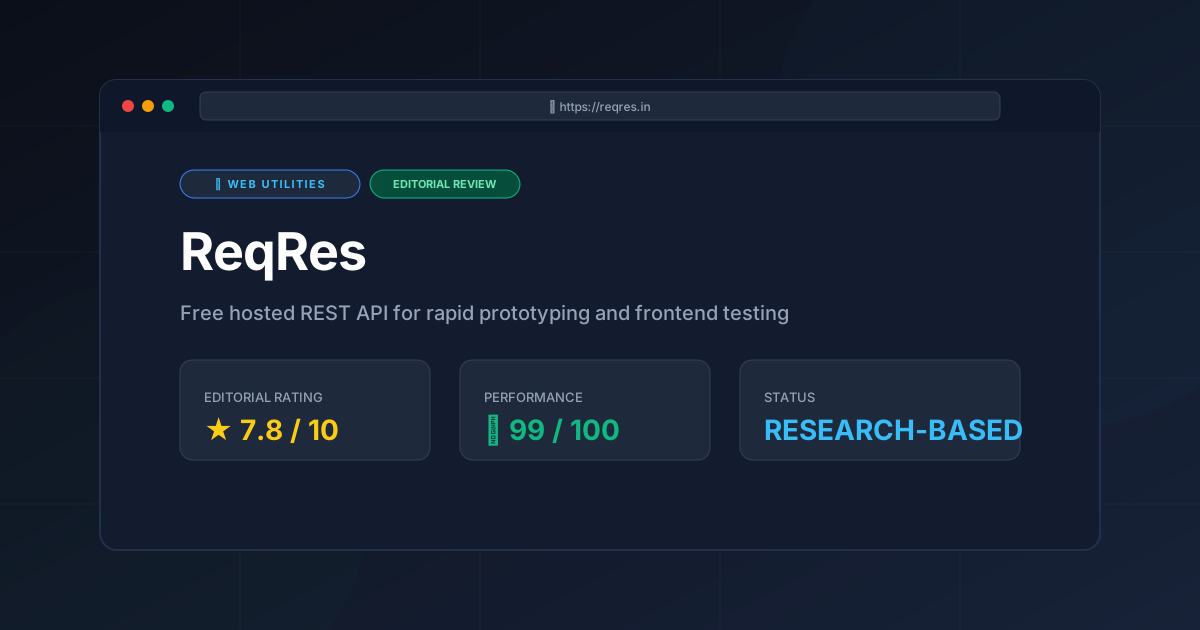
Editorial Rating: 7.8/10 #
A near-perfect tool for its specific niche, held back only by its inherent lack of flexibility and persistence.
For more evaluations of development tools, visit the All Tool Reviews on PulseTools: the Complete Index.
More Tools Worth Reading
Squoosh
Web UtilitiesImage compressor Squoosh reviewed for 2026. Learn how to optimize WebP and AVIF files locally in your browser to boost site speed and UX.

Micro SaaS Statistics: 30 Tools Analysed
Web UtilitiesMicro saas statistics 2026: original data from 30 tool reviews - ratings, pricing models, category spread and review depth, written from published res...
Tally
Web UtilitiesSimple form builder Tally reviewed. Discover if its Notion-style editor and generous free tier make it the best data collection tool for your business...