Stagehand AI Review (2026): The Best Playwright AI Wrapper?
⚡ Executive Summary
stagehand ai transforms browser automation with LLM-powered selectors. Learn how it eliminates brittle scripts and reduces maintenance overhead today.
Please note that this review is based on publicly available information, including official documentation, the public GitHub repository, and community discussions, and does not represent a laboratory benchmark or first-person testing by our team.
Web scraping and end-to-end (E2E) testing have long been plagued by a single, frustrating reality: brittle selectors. A minor update to a website's CSS class names or DOM structure can instantly break automated scripts, forcing developers into a continuous cycle of maintenance. To solve this, stagehand ai has emerged as a powerful open-source, AI-powered browser automation library built directly on top of Playwright.
Developed by the team at Browserbase, this tool aims to solve the fragility of traditional browser automation by allowing developers to control browsers using natural language. By acting as an intelligent "AI wrapper" around Playwright, it promises to combine the speed and control of traditional automation with the flexibility and reasoning of Large Language Models (LLMs).
In this exhaustive review, we analyze the core architecture, features, integration capabilities, and trade-offs of this tool to help you decide if it is the right fit for your development stack in 2026.
What is stagehand ai? #
stagehand ai is an open-source TypeScript library that wraps Playwright to enable browser automation via natural language. Instead of using fragile CSS or XPath selectors, it uses LLMs to identify page elements and execute actions, effectively creating "self-healing" scripts that don't break when a website's UI changes.
Technical Architecture and Core Mechanics #
The primary innovation of stagehand ai is the abstraction layer it places between the developer and the browser's Document Object Model (DOM). In a traditional Playwright setup, the developer is the "reasoning engine," manually identifying that a button is located at div > span.btn-primary. With Stagehand, the LLM becomes the reasoning engine.
The Semantic Mapping Process #
When a command is issued, the library does not simply send the entire HTML source to the LLM—which would be prohibitively expensive and exceed token limits. Instead, it performs a "DOM distillation" process:
- Filtering: It strips away non-interactive elements and redundant metadata.
- Accessibility Tree Mapping: It leverages the browser's accessibility tree to identify roles (e.g., "button," "link," "input").
- Contextual Prompting: It sends a condensed representation of the page to the LLM along with the user's natural language intent.
- Action Execution: The LLM returns the most likely selector or coordinate, which Stagehand then executes via the standard Playwright API.
For developers looking to build full-stack AI applications, this level of automation pairs well with modern AI coding assistants. For instance, using the Cursor Review (2026): Features, Pricing & Verdict as a reference for IDE efficiency, integrating Stagehand into a Cursor-driven workflow allows for the rapid generation of automation scripts that are inherently more resilient than those written by hand.
In-Depth Feature Breakdown & Real-World Use Cases #
The functionality of stagehand ai is centered around three primary methods exposed on the Playwright Page object: act(), extract(), and observe().
1. Natural Language Actions (page.act) #
The act method is the primary driver for browser interaction. Instead of chaining clicks and keyboard inputs, you pass a natural language instruction.
- Technical Workflow: When
act()is called, Stagehand extracts a simplified representation of the DOM. It sends this context to the configured LLM. The LLM determines the exact coordinates or Playwright selectors needed and executes them. - Edge Case Handling: If an action fails (e.g., a popup blocks the button), Stagehand can be configured to "observe" the new state and attempt a corrective action, a feature known as auto-healing.
- Use Case: Automating complex multi-step forms where field IDs are dynamically generated or change on every session.
2. Structured Data Extraction (page.extract) #
Scraping unstructured web pages into clean JSON has historically required complex parsing logic. Stagehand simplifies this by pairing LLM reasoning with Zod schemas for type-safe data extraction.
- Technical Workflow: You provide a Zod schema defining the exact shape of the data you want. Stagehand processes the page content and returns a fully typed JSON object. This is significantly more robust than traditional scraping, as the LLM can infer that "Price: $50" and "Cost: 50 USD" both map to a
pricefield in your schema. - Use Case: Scraping e-commerce product details or financial tables without writing custom regex or DOM parsers. If you are converting large codebases or documentation into prompts for these scrapers, you might find the Repomix Review (2026): Best Codebase to Prompt Converter? useful for preparing your context.
3. Page Observation (page.observe) #
The observe() method analyzes the current viewport and returns an array of actionable elements along with natural language descriptions of what clicking them will do. This transforms the browser from a static page into a queryable API of possibilities.
Step-by-Step Implementation Guide #
To implement stagehand ai, you need a Node.js environment and an API key from an LLM provider. You can find the full source and installation details on the official Stagehand GitHub repository.
Step 1: Installation #
Initialize your project and install the necessary dependencies:
npm init -y
npm install stagehand zod
Step 2: Configuration #
Stagehand requires an LLM to interpret commands. Configure your environment variables:
export OPENAI_API_KEY="your-openai-api-key"
# Or for Anthropic
export ANTHROPIC_API_KEY="your-anthropic-api-key"
Step 3: Writing a Resilient Script #
Below is a professional implementation demonstrating a hybrid approach—using standard navigation for speed and AI for complex interaction.
import { Stagehand } from "stagehand";
import { z } from "zod";

async function runAutomation() {
  const stagehand = new Stagehand({
    env: "LOCAL",
    verbose: 1,
  });

  await stagehand.init();
  const page = stagehand.page;

  try {
    // Deterministic navigation (Fast)
    await page.goto("https://example-ecommerce-site.com");

    // AI-driven interaction (Resilient)
    await page.act({
      action: "Search for the latest wireless headphones and filter by 'Top Rated'",
    });

    // Type-safe extraction using Zod
    const productData = await page.extract({
      instruction: "Get the name and price of the first three products",
      schema: z.object({
        products: z.array(
          z.object({
            name: z.string(),
            price: z.string(),
          })
        ),
      }),
    });

    console.log("Extracted Data:", productData);
  } catch (error) {
    console.error("Automation Error:", error);
  } finally {
    await stagehand.close();
  }
}

runAutomation();
Objective Pros & Cons Matrix #
| Pros | Cons |
|---|---|
| Zero Selector Maintenance: Eliminates the need to update scripts when CSS classes change. | Execution Latency: LLM round-trips add seconds to every action compared to milliseconds in raw Playwright. |
| Rapid Prototyping: Complex flows can be scripted in plain English in minutes. | Token Costs: High-volume scraping can become expensive due to DOM context window usage. |
| Type-Safe Extraction: Zod integration ensures data integrity for downstream databases. | Non-Deterministic: LLMs can occasionally hallucinate or miss elements on extremely cluttered pages. |
| Hybrid Flexibility: Ability to use raw Playwright APIs for deterministic, high-speed tasks. | Node.js Lock-in: Limited to the JavaScript/TypeScript ecosystem. |
Stagehand vs. Competitors: Direct Comparison #
| Feature | stagehand ai | Browser Use | Puppeteer | Playwright |
|---|---|---|---|---|
| Primary Logic | AI-Wrapper | Autonomous Agent | Selector-Based | Selector-Based |
| Natural Language | Yes | Yes | No | No |
| Auto-Healing | Yes | Yes | No | No |
| Execution Speed | Moderate | Slow | Very Fast | Very Fast |
| Best For | Low-maintenance scripts | Autonomous agents | Basic scraping | Enterprise QA |
Pricing Tiers & Value Assessment #
The library itself is 100% open-source under the MIT license. However, the total cost of ownership (TCO) is determined by two external factors:
- LLM API Costs: You pay your provider (OpenAI, Anthropic, etc.) per token. Because the DOM is sent as context, a single
act()call can consume several thousand tokens. - Infrastructure: While local execution is free, production scaling often requires a hosted browser. The creators of Stagehand provide a managed platform via Browserbase, which handles proxy rotation and CAPTCHA solving. Users should consult the Browserbase pricing page for cloud costs.
For those building complex AI-driven development tools, this infrastructure is similar to the managed environments discussed in our Bolt.new Review (2026): Features, Pricing & Verdict, where the value lies in the abstraction of the underlying compute.
Frequently Asked Questions #
Does stagehand ai require a paid subscription? #
No, the library is open-source and free. However, you must pay for the LLM API tokens (e.g., GPT-4o) used to process the natural language commands and the DOM context.
Can I use local LLMs with Stagehand? #
Yes. As long as the local model (via Ollama or vLLM) is compatible with the OpenAI API specification and has strong reasoning capabilities, it can be used. Note that smaller models may struggle with complex DOM structures.
How does it handle bot detection and CAPTCHAs? #
Stagehand relies on the underlying browser. For local runs, it is susceptible to detection. To bypass these, it is recommended to use a managed browser provider like Browserbase, which integrates stealth plugins and proxy rotation.
Is it suitable for high-speed CI/CD pipelines? #
Generally, no. The latency introduced by LLM API calls makes it slower than native Playwright. It is best used for "smoke tests" or scraping tasks where stability and low maintenance are more important than raw execution speed.
Does it support Python? #
Currently, Stagehand is designed for the Node.js/TypeScript ecosystem. Python developers would need to use alternative AI-browser libraries or create a bridge to a Node.js service.
Final Verdict & Editorial Rating #
stagehand ai represents a significant evolution in browser automation. By shifting the burden of element identification from the developer to the LLM, it effectively solves the "brittle selector" problem that has plagued the industry for decades.
While the trade-off is increased latency and API costs, the reduction in engineering hours spent on script maintenance is a massive net gain for most teams. The hybrid architecture—allowing developers to switch between AI and deterministic Playwright commands—ensures that performance can be optimized where it matters most.
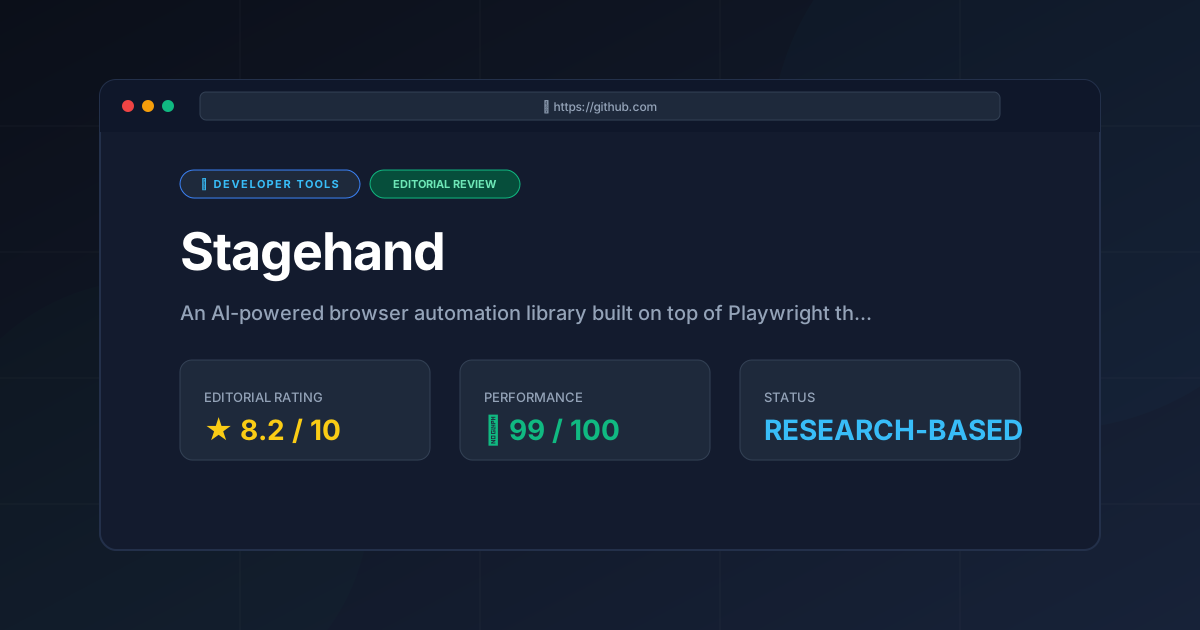
PulseTools Editorial Rating: 8.2 / 10 #
- Innovation: 9.5/10 — A masterclass in merging LLM reasoning with deterministic browser control.
- Developer Experience: 8.5/10 — Zod integration and a clean API make it highly intuitive.
- Performance & Speed: 6.5/10 — Limited by the inherent latency of LLM API responses.
- Cost Efficiency: 7.0/10 — Open-source code is offset by the cost of token consumption.
Recommendation: We highly recommend stagehand ai for data engineers scraping dynamic websites and QA teams building resilient E2E suites where UI changes are frequent.
More Tools Worth Reading
Warp
Developer ToolsModern terminal Warp reimagines the CLI with AI and blocks. Discover if this Rust-based powerhouse can actually boost your dev productivity.

New Tool Reviews: What PulseTools Published in 2026
Developer ToolsNew tool reviews: a dated log of every review this site has published, newest first, with the category and depth of each one, written from published r...
Windsurf
Developer ToolsAgentic IDE Windsurf analyzed: discover how its flow-state AI and deep indexing can accelerate your coding workflow. Read the full technical review.