Workflow Automation with n8n (2026): The Ultimate Review
⚡ Executive Summary
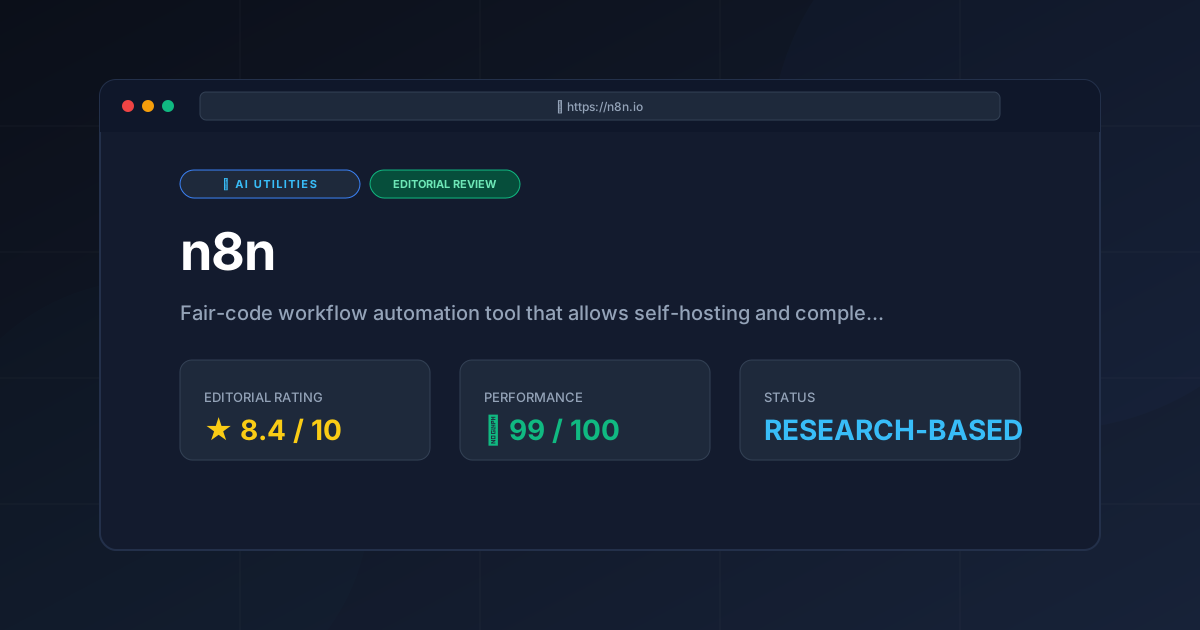
Workflow automation redefined. Discover how n8n enables self-hosted AI orchestration and data sovereignty to scale your business without per-task fees.
Disclaimer: This review is based on publicly available information, including official documentation, pricing pages, and public repositories; it is not based on laboratory benchmarks or first-person installation tests.
Overview: What is n8n and Why is it Trending? #
n8n is a "fair-code" tool designed to bridge the gap between simple no-code connectors and full-scale custom software development. While the market is dominated by cloud-native giants, n8n has carved out a significant niche by offering a self-hostable alternative that grants users total control over their data and infrastructure. For teams seeking a professional approach to workflow automation, n8n provides the flexibility of a developer tool with the speed of a visual interface.
What is Workflow Automation in n8n? #
Workflow automation in n8n is the process of connecting disparate software applications via a node-based visual canvas to automate repetitive tasks. By using triggers and actions, users can move data between APIs, integrate Large Language Models (LLMs), and execute custom JavaScript logic without writing a full backend application from scratch.
The current surge in n8n's popularity is driven by the shift toward AI Orchestration. Unlike traditional tools that simply move data from Point A to Point B, n8n has evolved into a sophisticated environment for building AI agents. By integrating LLMs directly into the canvas, developers can create complex loops, conditional logic, and memory-persistent agents. For organizations wary of sending sensitive corporate data to third-party cloud platforms, the ability to run n8n.io on their own servers is a decisive competitive advantage.
Key Technical Specifications & Fast Facts #
| Specification | Detail |
|---|---|
| License | Fair-code (Sustainable Use License) |
| Hosting Type | Self-Hosted (Docker/npm) or n8n Cloud |
| Free Tier Availability | Yes (Self-hosted community version) |
| API Access | Full REST API for programmatic control |
| Supported Platforms | Linux, macOS, Windows (via Docker) |
In-Depth Feature Breakdown & Real-World Use Cases #
n8n distinguishes itself through a "node-based" philosophy. Every action, trigger, or logic gate is a node on a visual canvas, allowing for a level of transparency and debugging that is often hidden in linear tools.
1. Advanced AI Agent Orchestration #
The most significant evolution in n8n is the introduction of dedicated AI nodes. These allow users to build agents that aren't just "bots," but autonomous workflows. You can integrate vector stores (like Pinecone or Milvus), memory buffers, and specific LLM providers.
Practical Use Case: Automated Customer Support Intelligence
Imagine a workflow where a webhook triggers upon a new Zendesk ticket. The workflow:
- Passes the ticket text to an AI Agent Node.
- The agent queries a Vector Store containing the company's internal documentation.
- The agent uses a Claude AI Review (2026): Features, Pricing & Verdict compatible model to synthesize a response.
- A conditional node checks the "confidence score"; if high, it drafts the reply; if low, it alerts a human operator via Slack.
2. Self-Hosting and Data Sovereignty #
For developers and Ops teams, the ability to deploy n8n via Docker is its primary selling point. This eliminates "per-task" pricing anxiety and ensures that API keys and customer data never leave the internal network.
Practical Use Case: Secure Internal HR Onboarding
A company can host n8n on an internal Kubernetes cluster to automate employee onboarding. The workflow can interact with internal LDAP servers, private SQL databases, and local file systems—connections that would be a security nightmare or technically impossible to configure via a cloud-only service.
3. Complex Logic and JavaScript Integration #
While n8n is visual, it does not sacrifice power. The "Code Node" allows users to write custom JavaScript to manipulate data structures, perform complex calculations, or clean API responses that don't fit into standard node parameters.
Practical Use Case: Dynamic Lead Scoring
A workflow captures leads from a Webflow form. Instead of simple filters, a Code Node runs a custom scoring algorithm based on company size, industry, and engagement history, then routes the lead to different sales tiers based on the calculated integer.
4. Webhook and API Flexibility #
n8n treats webhooks as first-class citizens. You can create highly dynamic endpoints that accept various payloads and respond in real-time, effectively using n8n as a lightweight backend for other applications.
Technical Implementation: Setting Up Your Workflow Automation #
For those looking to deploy n8n, the process generally follows these technical steps:
Infrastructure Setup #
Ensure you have a server (VPS or local machine) with Docker and Docker Compose installed. This is the recommended path for stability and easy updates. You can find the official deployment images on the n8n GitHub repository.
Deployment and Configuration #
Run the official n8n Docker image. A basic docker-compose.yml file is typically used to define the environment variables, volume persistence (to save your workflows), and port mapping (usually port 5678).
Connecting Credentials #
Navigate to the "Credentials" section to securely store API keys for the services you intend to automate. n8n encrypts these credentials at rest, which is a critical security feature for self-hosted instances.
Building the Logic Flow #
- Add a Trigger Node: Choose "On a Schedule" or "Webhook."
- Add an Action Node: Choose "HTTP Request" or "Slack Send Message."
- Connect and Execute: Connect them with an edge and click "Execute Workflow" to test the data flow.
Objective Pros & Cons Matrix #
| Pros | Cons |
|---|---|
| Cost Efficiency: Self-hosting removes the "tax" on high-volume task execution. | Maintenance Overhead: Self-hosting requires managing updates, backups, and server uptime. |
| Privacy: Data stays on your hardware, making it ideal for GDPR/HIPAA compliance. | Steeper Learning Curve: Requires a basic understanding of JSON and JavaScript for advanced use. |
| AI Flexibility: Deep integration with LangChain and various LLMs for agentic workflows. | UI Complexity: The canvas can become cluttered ("spaghetti") with extremely large workflows. |
| Extensibility: Ability to write custom JS code directly within the workflow. | Resource Intensive: Running complex AI agents on a small VPS can lead to memory bottlenecks. |
n8n vs. Alternatives for Workflow Automation #
When comparing n8n to other tools, the primary trade-off is between "convenience" and "control."
| Feature | n8n | Zapier | Make.com |
|---|---|---|---|
| Primary Model | Fair-code / Self-Host | SaaS / Cloud | SaaS / Cloud |
| Pricing Logic | Based on users/hosting | Based on tasks/month | Based on data/ops |
| AI Capabilities | Advanced Agent Nodes | Basic AI Actions | Modular AI Tools |
| Data Control | Absolute (Self-hosted) | Limited (Cloud) | Limited (Cloud) |
| Ease of Use | Medium (Dev-centric) | High (Non-tech) | Medium (Visual) |
| Best For | Developers & Ops | Small Biz / Marketers | Power Users / Agencies |
Pricing Tiers & Value Assessment #
n8n operates on a hybrid model. The Self-Hosted Community version is essentially free for many users, though it is governed by a "fair-code" license that restricts selling n8n as a service. For those who prefer a managed experience, n8n Cloud offers tiered pricing based on workflow executions and active workflows, as detailed on the official pricing page.
Is the paid tier worth it?
For a solo developer or a small technical team, the self-hosted version provides unmatched value. However, for enterprises that cannot justify the DevOps overhead of managing a Docker instance, the Cloud tier is a reasonable trade-off. The real value of the paid versions lies in the "Enterprise" features, such as Log Streaming and Single Sign-On (SSO), which are critical for corporate security audits.
Advanced Orchestration and Browser Integration #
To truly scale workflow automation, users often combine n8n with browser-level automation. While n8n handles the API logic, tools like Browser Use can handle the visual web interaction. For a deeper dive into these capabilities, see our Browser Use AI Review (2026): Features, Pricing & Verdict.
By combining a self-hosted n8n instance with a browser-automation agent, a company can automate tasks that lack an official API—such as scraping a legacy government portal and then feeding that data into a structured database via n8n's SQL nodes.
Frequently Asked Questions #
Is n8n truly "Open Source"? #
Technically, no. It uses a "fair-code" license. This means the source code is public and you can host it yourself for free, but you cannot wrap it in your own commercial offering and sell it as a competing service.
Can n8n handle millions of tasks per month? #
Yes, but this depends entirely on your hardware. Unlike Zapier, where you are capped by a monthly bill, n8n is capped by your CPU and RAM. For high-volume processing, it is recommended to use a queue mode with Redis.
How does n8n compare to custom Python scripts for AI? #
n8n provides a visual layer over the logic. While a Python script is more flexible, n8n allows you to visualize the state of data at every step, making debugging and iteration significantly faster.
Do I need to know how to code to use n8n? #
No, but you will hit a ceiling without it. Basic automations are drag-and-drop. However, to truly leverage the tool—especially when dealing with complex JSON arrays—a basic grasp of JavaScript is highly beneficial.
How does n8n handle security for API keys? #
n8n uses a dedicated credentials system that encrypts sensitive data. When self-hosting, you can further secure the instance using a reverse proxy (like Nginx or Traefik) and SSL certificates to ensure all workflow automation traffic is encrypted.
Final Verdict & Editorial Rating #
n8n is a formidable tool that successfully pivots from "Zapier alternative" to "AI Orchestration platform." Its greatest strength is its flexibility; it respects the developer's need for control while providing a visual interface that accelerates deployment.
The trade-off is clear: you exchange the "zero-config" convenience of SaaS for the power and privacy of self-hosting. For the non-technical user, n8n may feel overwhelming. For the developer or Ops engineer, it is an essential piece of the modern AI stack.
Who should use it?
- Developers who want to build AI agents without writing 1,000 lines of boilerplate code.
- Ops Teams requiring strict data residency and privacy compliance.
- Power Users who have outgrown the pricing models of Make.com or Zapier.
Editorial Rating: 8.4/10 #
A powerful, transparent, and future-proof automation engine. It loses a few points only for the maintenance burden of self-hosting and a learning curve that may intimidate absolute beginners.
More Tools Worth Reading
Cline
Ai UtilitiesCline AI is a powerful open-source autonomous coding agent for VS Code. Read our deep-dive review to discover its features, costs, and setup workflows...
v0.dev
Ai UtilitiesAI UI generator v0.dev reviewed. Learn how this Vercel tool transforms prompts into React code to accelerate your frontend development workflow.
Vercel v0
Ai UtilitiesAI UI generator Vercel v0 reviewed. Learn how to automate React and Tailwind CSS components to accelerate your frontend development workflow today.