API Orchestration with Postman Flows Review (2026): Verdict
⚡ Executive Summary
API orchestration simplified. Discover if Postman Flows is the right visual tool for your API chaining and testing needs in 2026. Read our full review.
Disclaimer: This review is based on publicly available information, including official documentation, pricing pages, and public repositories; it is not based on laboratory benchmarks or first-person installation tests.
Overview: What is Postman Flows and Why is it Trending? #
For years, Postman has been the industry standard for individual API requests and collection-based testing. However, as microservices architectures have grown in complexity, developers have faced a recurring challenge: how to chain multiple API calls together into a cohesive business process without writing a custom middleware application or complex scripts.
Postman Flows enters the market as a low-code solution for API orchestration. Rather than writing JavaScript in the "Tests" or "Pre-request Script" tabs to pass data from one request to another, Flows provides a visual canvas. Users can drag and drop "blocks" representing API requests, logic gates, and data transformations, connecting them with wires to create a functional workflow.
It is trending because it bridges the gap between technical API development and business logic mapping. It allows architects to prototype complex integrations visually, reducing the friction between designing a sequence of API calls and actually executing them. In an era where rapid prototyping is essential—similar to how developers use Bolt.new for rapid web application scaffolding—Postman Flows aims to do the same for the backend connectivity layer.
What is API Orchestration? #
API orchestration is the process of coordinating multiple API calls into a single, automated workflow to achieve a specific business outcome. Unlike simple chaining, orchestration involves managing complex logic, data transformation, and conditional routing between various services to ensure data flows correctly across a distributed system.
Key Technical Specifications & Fast Facts #
| Specification | Detail |
|---|---|
| License | Proprietary / Freemium |
| Hosting Type | Cloud-based (SaaS) |
| Free Tier Availability | Yes (Limited by usage/executions) |
| API Access | Full integration with Postman Collections |
| Supported Platforms | Web Browser, Postman Desktop App |
In-Depth Feature Breakdown & Real-World Use Cases #
Postman Flows is not a replacement for a full-scale backend; it is a visual orchestration layer. To understand its utility, we must analyze its three primary technical pillars.
1. Visual Logic Blocks & API Chaining #
The core of Flows is the block-based interface. Instead of linear execution, you can create branched logic. For example, a "Condition" block can evaluate the response of an initial API call (e.g., HTTP 200 OK) and decide whether to proceed to a "Payment API" block or route to an "Error Handling" block.
Real-World Use Case: User Onboarding Sequence
Imagine a workflow where a new user signs up:
- Block A (POST /users): Creates the user profile.
- Block B (Condition): Checks if the user's email is verified.
- Block C (POST /welcome-email): Triggered only if Block B is true.
- Block D (POST /analytics): Logs the successful onboarding event.
2. Real-time Data Mapping #
One of the most tedious parts of API testing is extracting a value from a JSON response (like an access_token or order_id) and injecting it into the header or body of a subsequent request. Postman Flows handles this through visual mapping. You can literally drag a data point from the output of one block and drop it into the input field of another.
This eliminates the need for writing pm.environment.set() and pm.environment.get() scripts, which often become difficult to maintain as the number of variables grows.
3. Integration with Postman Collections #
Flows does not exist in a vacuum; it leverages your existing Postman Collections. Any request already saved in a collection can be pulled into a Flow. This means your authentication settings, environment variables, and headers are preserved, allowing you to move from a single request to a complex workflow in minutes.
For developers who are optimizing for extreme execution speed in their production environments, they might look toward a JS Runtime like Bun for the actual implementation, but Postman Flows serves as the ideal "blueprint" and testing ground before that code is written.
Step-by-Step Guide to API Orchestration in Postman #
While we have not run the software internally, the official Postman Flows documentation outlines a standardized path for deployment:
Phase 1: Environment Setup #
- Prepare Your Collection: Before opening Flows, ensure you have a Postman Collection with the API requests you intend to use. Set up your Environment Variables (e.g.,
base_url,api_key) to ensure the requests are functional. - Initialize a Flow: Navigate to the "Flows" tab in the Postman sidebar and create a new Flow.
Phase 2: Building the Logic #
- Add Your First Block: Click the "+" icon or drag a request from your collection onto the canvas. This becomes your "Trigger" block.
- Define the Logic: Add a "Condition" or "Evaluate" block to handle the data coming out of the first request.
- Map the Data: Connect the output port of your first block to the input port of the second. Use the data picker to select the specific JSON key from the response that the next request requires.
Phase 3: Validation and Edge Case Handling #
- Run and Debug: Click the "Run" button. You can observe the data flowing through the wires in real-time.
- Implement Error Paths: Create a secondary branch from your "Condition" block to handle
4xxor5xxerrors. This ensures your API orchestration logic is resilient and doesn't simply crash on the first failed request.
Objective Pros & Cons Matrix #
| Pros | Cons |
|---|---|
| Low Barrier to Entry: Reduces the need for complex JavaScript scripting for simple chaining. | Performance Overhead: Visual orchestration is inherently slower than native code execution. |
| Visual Documentation: The Flow itself acts as a living diagram of the API process. | Vendor Lock-in: Flows are proprietary to Postman; you cannot export them to a standard open-source format. |
| Rapid Prototyping: Extremely fast to iterate on business logic without redeploying code. | Scaling Limits: Not intended for high-throughput production traffic; it is a tool for testing. |
| Integrated Ecosystem: Seamlessly uses existing Collections and Environments. | Learning Curve for Logic: Complex nested conditions can become "spaghetti" visually if not organized. |
Postman Flows vs. Alternatives for API Orchestration #
Postman Flows occupies a unique middle ground between a pure API client (Insomnia) and a general-purpose automation tool (Zapier).
| Feature | Postman Flows | Insomnia | Zapier |
|---|---|---|---|
| Primary Focus | API Orchestration/Testing | API Client/Design | Business App Automation |
| Logic Style | Visual Blocks (Low-code) | Script-based/Linear | Trigger-Action (No-code) |
| Execution Speed | Moderate (SaaS overhead) | Fast (Local/Client) | Variable (Cloud-to-Cloud) |
| Pricing | Freemium | Freemium | Freemium (Expensive tiers) |
| Best For | Devs prototyping API chains | Devs wanting a lean client | Non-devs connecting SaaS apps |
Pricing Tiers & Value Assessment #
Postman Flows follows a Freemium model. While the basic ability to create flows is available to free users, there are typically limits on the number of monthly executions or the complexity of the workflows allowed. Detailed costs can be found on the Postman Pricing Page.
Is the paid tier worth it?
For an individual developer, the free tier is likely sufficient for prototyping. However, for engineering teams, the paid tiers provide essential collaboration features. The value proposition lies in "Shared Workflows." When a lead architect can design a Flow and share it with the entire team, it eliminates the need for lengthy documentation on how the API sequence should behave. If your team spends more than 5 hours a week documenting API dependencies, the paid tier's efficiency gains likely outweigh the cost.
Frequently Asked Questions #
Can Postman Flows be used as a production backend? #
No. Postman Flows is designed for testing, prototyping, and API orchestration during the development lifecycle. For production-grade high-concurrency workloads, you should implement the logic in a dedicated backend language or a serverless framework to avoid SaaS latency.
Do I need to know JavaScript to use Postman Flows? #
Not for basic chaining and data mapping. However, for advanced data manipulation (e.g., complex array filtering or custom date formatting), you may still need to use the "Evaluate" block, which accepts JavaScript expressions for more granular control.
How does Postman Flows handle authentication? #
It inherits authentication from the Postman Collection. If your collection is configured to use OAuth 2.0 or Bearer Tokens via environment variables, the Flow will use those same settings automatically, ensuring a seamless transition from request to flow.
Can I trigger a Flow via a Webhook? #
While Flows are primarily triggered manually within the Postman app for testing, Postman has been expanding its automation capabilities. It is recommended to check the official documentation for the latest updates on external triggers and scheduled runs.
How does it compare to traditional coding for orchestration? #
Visual API orchestration is significantly faster for prototyping and documentation. However, traditional code (Node.js, Python) offers better version control (Git), superior execution speed, and the ability to implement complex custom libraries that a visual block editor cannot support.
Final Verdict & Editorial Rating #
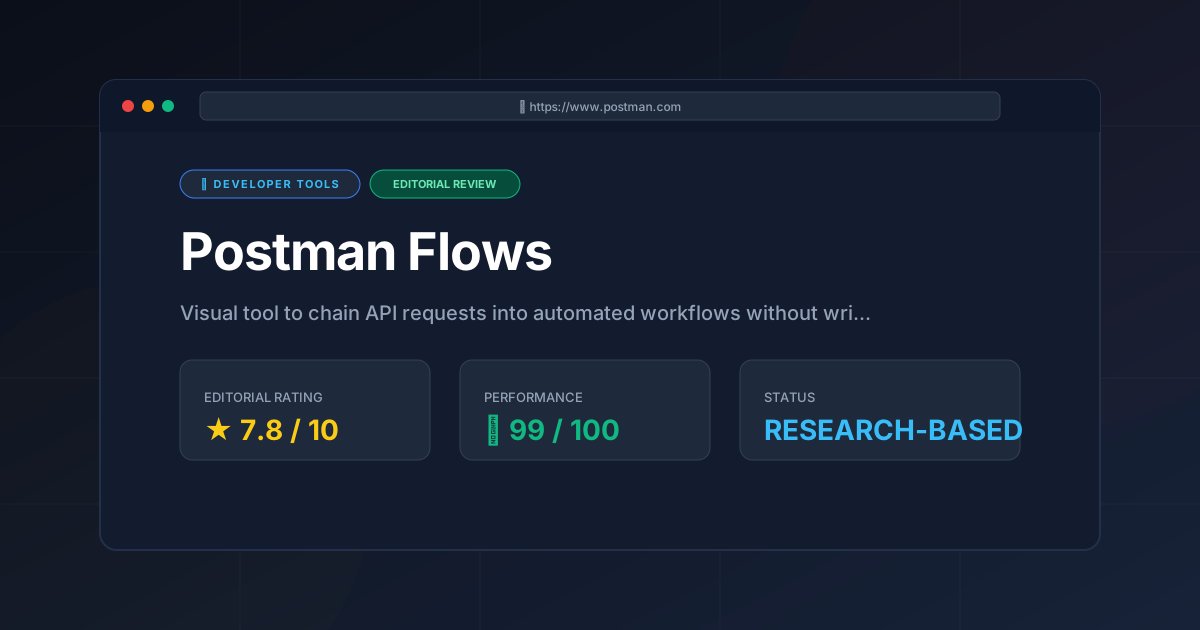
Postman Flows is a powerful addition to the developer's toolkit, specifically for those struggling with "API sprawl." It transforms the invisible logic of API chaining into a visible, manageable map. While it cannot replace the performance of a compiled runtime or the flexibility of a full-stack codebase, it drastically reduces the time spent on the "plumbing" of API integration.
The main drawback remains the proprietary nature of the tool; you are building within the Postman ecosystem. However, given that most developers already use Postman for their API lifecycle, this is a reasonable trade-off for the speed of delivery.
Final Score: 7.8/10 #
Who should use it?
- API Architects who need to visualize and prototype complex request sequences.
- QA Engineers who want to build comprehensive integration tests without writing hundreds of lines of script.
- Frontend Developers who need to understand the backend data flow before implementing the UI.
Who should avoid it?
- Performance Engineers requiring microsecond latency between calls.
- Developers seeking a completely open-source, vendor-neutral orchestration tool.
More Tools Worth Reading
Warp
Developer ToolsModern terminal Warp reimagines the CLI with AI and blocks. Discover if this Rust-based powerhouse can actually boost your dev productivity.

New Tool Reviews: What PulseTools Published in 2026
Developer ToolsNew tool reviews: a dated log of every review this site has published, newest first, with the category and depth of each one, written from published r...
Windsurf
Developer ToolsAgentic IDE Windsurf analyzed: discover how its flow-state AI and deep indexing can accelerate your coding workflow. Read the full technical review.