Best To Do List App: Todoist Review (2026) & Technical Guide
⚡ Executive Summary
To do list management perfected. Explore our deep dive into Todoist 2026 features, pricing, and technical specs to see if it boosts your productivity.
Disclaimer: This review is based on publicly available information, including official documentation, pricing pages, and public repositories; it is not a laboratory benchmark.
As the Lead Technical Reviewer at PulseTools, I have monitored the evolution of the productivity software landscape for years. In a market saturated with "minimalist" lists and overly complex project management suites, Todoist has maintained a dominant position. It occupies the critical middle ground between a simple checklist and a full-scale ERP for your life.
Todoist is not merely a to do list; it is a sophisticated task orchestration engine designed to reduce the cognitive load of organization. By focusing on the speed of entry and the flexibility of organization, it targets both the individual "power user" and the collaborative team. Whether you are managing a household or a corporate department, the goal is the same: moving tasks from the mind into a reliable system.
What is a To Do List Manager Like Todoist? #
A to do list manager is a digital productivity tool designed to capture, organize, and prioritize tasks. Unlike a static paper list, a modern manager like Todoist uses natural language processing, cloud synchronization, and recursive scheduling to ensure that deadlines are tracked automatically across all devices, reducing the mental effort required to remember upcoming obligations.
Overview: Why Todoist Remains a Market Leader #
Todoist is a cross-platform task manager and habit tracker that leverages a "frictionless" philosophy. The core reason for its continued trend in 2026 is its ability to handle diverse input methods—from voice commands and email integrations to its industry-leading natural language processing (NLP).
While many tools force the user to adapt to a rigid database structure, Todoist allows users to build their own systems. Whether you follow the Getting Things Done (GTD) methodology, the Eisenhower Matrix, or a simple daily checklist, the tool's architecture supports these workflows without requiring a steep learning curve. In the broader context of the best productivity in 2026: 5 top picks reviewed, Todoist stands out for its reliability and ubiquity across operating systems.
Key Technical Specifications & Fast Facts #
To understand the infrastructure of Todoist, we must look at its deployment model. It operates as a SaaS (Software as a Service) model with a heavy emphasis on API extensibility.
| Specification | Detail |
|---|---|
| License | Proprietary / SaaS |
| Hosting Type | Cloud-based (with local caching) |
| Free Tier Availability | Yes (Freemium) |
| API Access | Yes (REST API available for developers) |
| Supported Platforms | Web, Windows, macOS, iOS, Android, Apple Watch, Wear OS, Browser Extensions |
In-Depth Feature Breakdown & Real-World Use Cases #
To understand Todoist's technical value, we must look beyond the "add task" button. The tool's power lies in three primary technical pillars: Natural Language Input, Project Hierarchies, and Karma.
1. Natural Language Input (The "Quick Add" Engine) #
The standout technical feature of Todoist is its NLP engine. Instead of manually selecting a date from a calendar picker or assigning a priority from a dropdown, users type phrases that the system parses in real-time.
Workflow Example:
If a user types: "Submit quarterly report every first Friday of the month at 9am p1 #Work", Todoist automatically:
- Sets a recurring due date (First Friday of every month).
- Sets a specific time reminder (9:00 AM).
- Assigns Priority 1 (p1).
- Files the task under the "Work" project (#Work).
This reduces the "time-to-capture," which is the most critical metric in productivity software. If it takes more than five seconds to record a thought, the user is likely to forget it or abandon the tool.
2. Project Hierarchies and Filtering #
Todoist utilizes a nested project structure that allows for high-level categorization and granular execution. This is paired with a powerful query language for "Filters."
Technical Workflow:
A user can create a custom filter using a query like: (today | overdue) & #Work & p1.
This dynamically generates a view showing only the most urgent, high-priority tasks for the "Work" project that are due today or are already late. This allows users to separate their storage (Projects) from their execution (Filters), a key requirement for professional-grade task management.
3. Karma Productivity Tracking #
Karma is Todoist's gamification layer. It tracks task completion rates and streaks to provide a visual representation of productivity. While some may view this as "fluff," from a behavioral psychology perspective, it serves as a habit tracker. By visualizing "productivity trends," users are encouraged to maintain consistency. For those managing complex team schedules, integrating this with a modern calendar review: is Cron the best scheduling tool for can help balance daily task loads with actual time availability.
Advanced Configuration & Implementation Guide #
To maximize the utility of your to do list, you must move beyond basic entry. Below is a technical configuration guide for power users.
Implementing the GTD (Getting Things Done) System #
To implement GTD in Todoist, configure your project architecture as follows:
- Inbox: The default landing zone for all "Quick Add" entries.
- Next Actions: A project for tasks that can be done immediately.
- Waiting For: A project for tasks dependent on others.
- Someday/Maybe: A project for low-priority future ideas.
Managing Edge Cases: The "Overdue" Avalanche #
A common failure point in task management is the "overdue avalanche," where a user misses three days of work and returns to 50 overdue tasks. To solve this, use the following technical strategy:
- The Reset Filter: Create a filter
overdue. Once a week, select all overdue tasks and use the "Schedule" bulk action to move them to "Today." - Priority Shifting: Use the
p1tag only for non-negotiable deadlines. If everything isp1, nothing isp1.
Integration and Automation #
For developers and automation enthusiasts, the Todoist Developer API allows for deep integration. You can automate task creation via webhooks or connect your to do list to external databases. For example, using Zapier, you can trigger a Todoist task every time a specific label is added to a Gmail message, ensuring no client request is missed.
Step-by-Step Getting Started Guide #
For a new user, the goal is to move from "setup" to "flow" as quickly as possible.
- Account Creation & Sync: Sign up via the web or app. Ensure you enable notifications across all devices to prevent missed deadlines.
- Defining Your Projects: Create 3-5 top-level projects (e.g., Work, Personal, Health, Finance). Use the "Project" tab to nest sub-projects (e.g., Work $\rightarrow$ Client A, Client B).
- The "Brain Dump" Phase: Use the "Quick Add" feature to enter every single pending task in your head. Don't worry about dates yet; just get them into the system.
- Organizing with Labels and Priorities: Assign labels (e.g.,
@phone,@computer) to tasks based on the context required to complete them. Assign priorities (P1 to P4) to distinguish between "critical" and "nice to do." - Setting Up Your Daily Review: Every evening, look at your "Upcoming" view and schedule tasks for the next day. This transforms the tool from a passive list into an active plan.
Objective Pros & Cons Matrix #
| Pros | Cons |
|---|---|
| Exceptional NLP: The fastest task entry in the industry. | Limited Free Tier: Many essential features (like reminders) are locked behind a subscription. |
| Cross-Platform Sync: Near-instant synchronization across all devices. | No Built-in Calendar: While it integrates with others, it lacks a native, full-featured calendar view in the basic sense. |
| Clean UI: Minimalist aesthetic that prevents "feature overwhelm." | Basic Habit Tracking: Karma is a good start, but lacks the granularity of dedicated habit apps. |
| Robust API: High extensibility for automation via IFTTT or Zapier. | Collaboration Limits: Advanced team project management is limited compared to tools like Asana. |
Todoist vs. Competitors: Direct Comparison #
When choosing a to do list manager, the decision usually comes down to the balance between simplicity and power.
| Feature | Todoist | TickTick | Microsoft To Do |
|---|---|---|---|
| NLP Capability | Industry-Leading | Strong | Basic |
| Integrated Calendar | Via Integration | Native | Basic (Outlook) |
| Habit Tracking | Karma (Basic) | Dedicated Habit Module | None |
| Speed/Performance | Extremely Fast | Fast | Moderate |
| Pricing | Freemium | Freemium | Free (with MS Account) |
| Best For | Power users & GTD | All-in-one productivity | Simple personal lists |
Pricing Tiers & Value Assessment #
Todoist operates on a freemium model. The free version is sufficient for those who only need a basic list, but for professional use, the paid tier is almost mandatory. Detailed pricing can be found on the official pricing page.
- Free Tier: Great for testing. However, the lack of reminders is a significant drawback for anyone relying on the app for time-sensitive deadlines.
- Paid Tier (Pro): Unlocks reminders, increased project limits, and advanced filter capabilities.
Is the paid tier worth it?
Yes, primarily for the reminders and filter queries. Without reminders, Todoist is a passive list; with them, it becomes an active assistant. For professionals who manage multiple streams of work, the ability to create complex filters to slice through hundreds of tasks makes the subscription a high-value investment in cognitive efficiency.
Frequently Asked Questions #
Does Todoist support offline mode? #
Yes. Todoist allows you to add, edit, and complete tasks while offline. The changes are cached locally on your device and synchronized with the cloud once a stable internet connection is re-established.
Can I use Todoist for team project management? #
Yes, but with caveats. It is excellent for task delegation and shared lists. However, if your team requires Gantt charts, complex dependencies, or time-tracking, you may find it too lightweight. For those needing deeper team coordination, checking a best scheduling tool for teams: Cal.com review (2026) might be a useful complement for managing meeting times.
How does the "Karma" system actually work? #
Karma tracks your productivity based on how many tasks you complete and how many you reschedule. Completing tasks increases your score and builds "streaks." It is designed to motivate users through positive reinforcement and visual progress tracking.
Is my data secure in Todoist? #
Todoist uses industry-standard encryption for data in transit and at rest. For specific compliance details regarding GDPR or SOC2, it is recommended to check the official security and privacy documentation on their website.
Can I integrate Todoist with my existing calendar? #
Yes. Todoist offers two-way synchronization with Google Calendar and other major providers. This allows you to see your to do list tasks as calendar events and vice versa, ensuring your time blocks align with your task list.
Final Verdict & Editorial Rating #
Todoist remains the most balanced task manager on the market. It avoids the trap of "feature bloat" while providing enough technical depth (via NLP and Filters) to satisfy power users. Its primary weakness is the restrictive nature of the free tier, which pushes users toward the subscription model faster than some of its competitors.
However, the speed of the interface and the reliability of the sync engine make it a tool that disappears into the background, which is exactly what a productivity tool should do. It doesn't get in the way of the work; it simply organizes it.
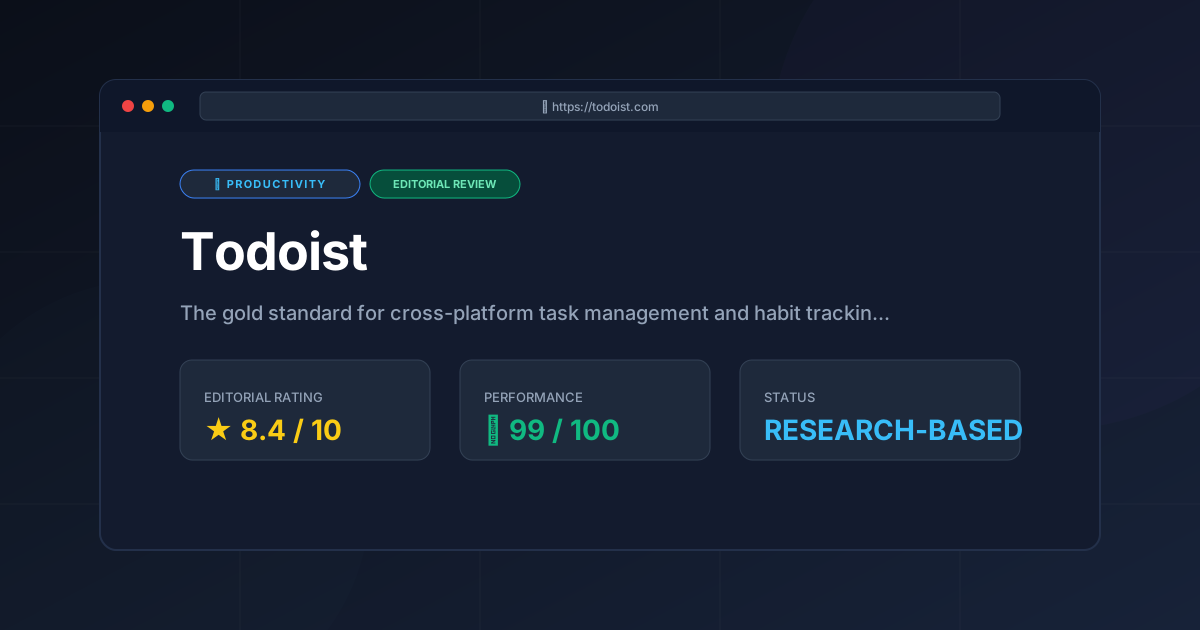
Editorial Rating: 8.4/10 #
Who should use Todoist?
- The "Overwhelmed" Professional: Those with 50+ tasks across different life domains who need a way to filter the noise.
- The GTD Practitioner: Anyone following the Getting Things Done methodology.
- The Cross-Platform User: People who jump between a Mac at work, an Android phone, and a Windows PC at home.
Who should look elsewhere?
- The Budget-Conscious: Those who refuse to pay for reminders (look at Microsoft To Do).
- The Complex Project Manager: Those needing full-scale Agile/Scrum boards with dependencies (look at Jira or Asana).
More Tools Worth Reading
Screenpipe
ProductivityIn-depth review of Screenpipe in 2026: key features, pricing, alternatives and who it is best for.
Paperclip
ProductivityIn-depth review of Paperclip in 2026: key features, pricing, alternatives and who it is best for.
Hindsight
ProductivityHindsight review: Explore how this open-source agent memory layer eliminates LLM amnesia, cuts token costs, and powers self-learning AI workflows in 2...