Tool Guides for 2026: Compare and Choose Software

⚡ In short
Tool guides from PulseTools help readers compare software, verify pricing and privacy terms, and test a workflow before choosing a product for their team.
Tool guides are the practical layer between a product review and a purchase decision.
They explain how to frame a software choice, what evidence to verify, and which
trade-offs deserve a trial. PulseTools uses this section for guidance that applies
across vendors rather than pretending that one product fits every workflow.
Tool guides: start with the job, not the feature list #
Write down the outcome the tool must produce, the people who will use it, and the
constraint that cannot move. That might be a shared issue record, a repeatable web
crawl, a desktop shortcut, or a design hand-off. A feature checklist is useful only
after that job is clear; otherwise every vendor's marketing language looks like a
match. These tool guides focus on decision steps rather than declaring a universal
best product.
Verify the facts that change a decision #
Check the official pricing page, documentation, privacy terms, export options, and
public change history. Record the date because tiers and limits change. When a fact
cannot be confirmed from a public source, treat it as unknown rather than filling the
gap with a benchmark or a promise. Our software review methodology
explains the same evidence standard used for individual reviews.
Compare the cost of leaving #
The monthly price is only one part of the decision. Consider migration effort,
training, integrations, usage limits, hosting, and the format of an export. An
open-source project can still require maintenance and infrastructure; a hosted
service can still make portability valuable. Put these costs beside the features
that actually support the job.
Use a bounded trial #
Test a representative, permissioned workflow for one week. Keep sensitive data out
of an evaluation account, note failures and manual work, and check whether the
result can be handed to another person. A small trial produces more useful evidence
than a long list of copied claims. It also makes a no-decision an honest outcome when
the tool does not fit.
Match the evidence to the decision #
Different decisions need different evidence. For a privacy-sensitive workflow,
prioritise retention, training, subprocessors, access controls, and deletion terms.
For a team workflow, prioritise roles, audit history, integrations, and export
formats. For a developer utility, read the installation path, licence, API limits,
release cadence, and failure handling. A page that only repeats feature names cannot
answer these questions, so the review links below separate documented facts from
editorial interpretation.
Make a short decision record as you go: the date checked, source URL, fact observed,
uncertainty, and the next test. This keeps a later price change from being mistaken
for a writing error and gives another person enough context to reproduce the choice.
It also prevents a familiar vendor name from receiving extra credit when the evidence
is thin. If two tools are close, prefer the one whose exit path and operational
responsibilities are clearest for the team that will own it.
Keep the record lightweight enough to maintain. A table with one row per requirement
is usually sufficient, with links beside the claim rather than a separate research
memo. Mark facts as verified, changed, or still unknown, and do not turn a missing
answer into a negative score without explaining why it matters. This makes the
eventual choice easier to defend and easier to revisit when a vendor changes its
terms.
Keep comparisons fair #
Compare like with like. A launcher is not an issue tracker, and an extraction
library is not an autonomous browser agent. When two tools overlap only around one
job, make that job the comparison scope and state what is outside it. Use the same
questions for both products, avoid unsupported speed claims, and link to each
individual review so readers can inspect the underlying evidence. The [comparison
pages](/posts/all-tool-reviews.html) are useful starting points, but they do not
replace checking a vendor's current terms.
For editorial context, Google's helpful, reliable, people-first content guidance
describes audience-first material. The FTC's endorsement guides FAQ
explains disclosure questions for endorsements; readers should check the disclosures
that apply to a specific page rather than infer a policy from a general guide.
Explore the guides and reviews #
- How to choose AI utilities covers model,
privacy, and workflow constraints.
- All tool reviews is the complete index of product
research.
- Free web utilities lists the site's small
browser tools without requiring an account.
Frequently asked questions #
Where should I verify product details? #
Start with the product's official pricing page, documentation, privacy terms, and
change history. These tool guides provide a checklist, not a substitute for current
vendor terms. Record the date you checked each source, and leave facts marked
unverified when the available documentation does not answer your question.
Do the guides provide performance benchmarks? #
No. The site does not run laboratory benchmarks. A guide should help you design a
safe local trial, not invent a speed or reliability result.
How often should a tool choice be revisited? #
Recheck pricing, limits, export options, and major release notes when a contract
renews or the workflow changes. Those facts are more useful than rewriting a score
just to make a page look new.
How can I compare two tools fairly? #
Define the same job and constraints for both products, then check equivalent
capabilities, pricing units, data handling, and exit options. Note where one
product's documentation is incomplete instead of treating missing evidence as a
feature or a guarantee. A bounded trial can help resolve questions that public
documentation leaves open.
When the answer is uncertain, say what would change it. A dated follow-up question
is more useful to readers than a confident conclusion built on missing evidence.
That discipline keeps a guide useful after a pricing page, product policy, or
integration changes.
More Tools Worth Reading
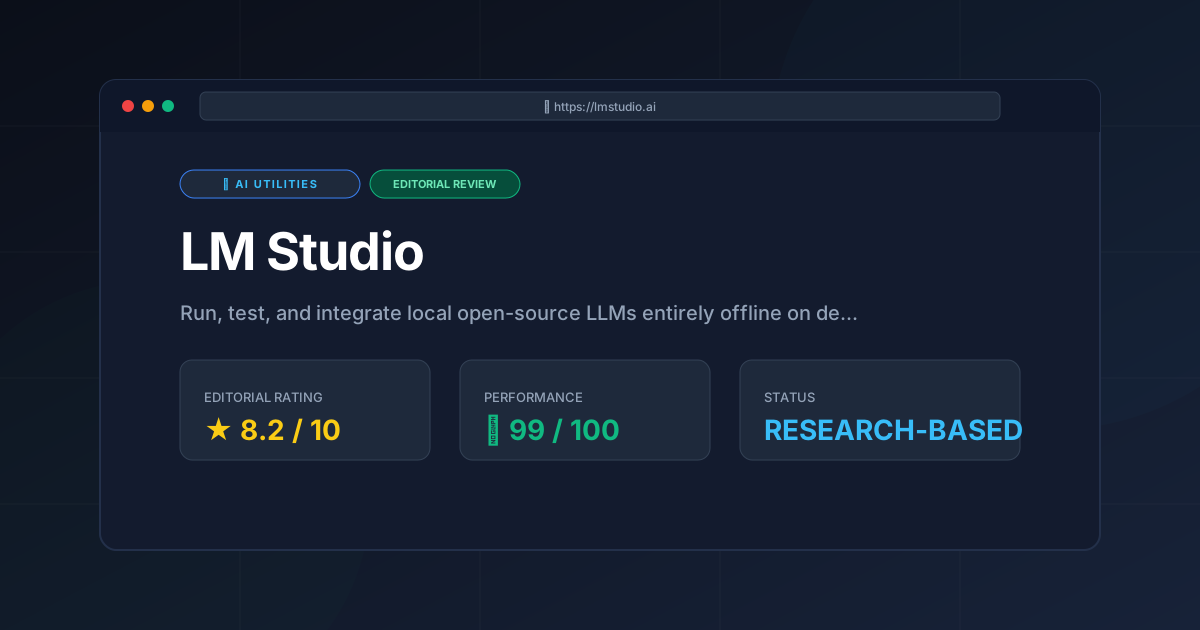
LM Studio
Ai Utilitiesrun local LLM tools with LM Studio in 2026. Learn about setup, pricing, top features, and trade-offs to improve your private AI workflows today.
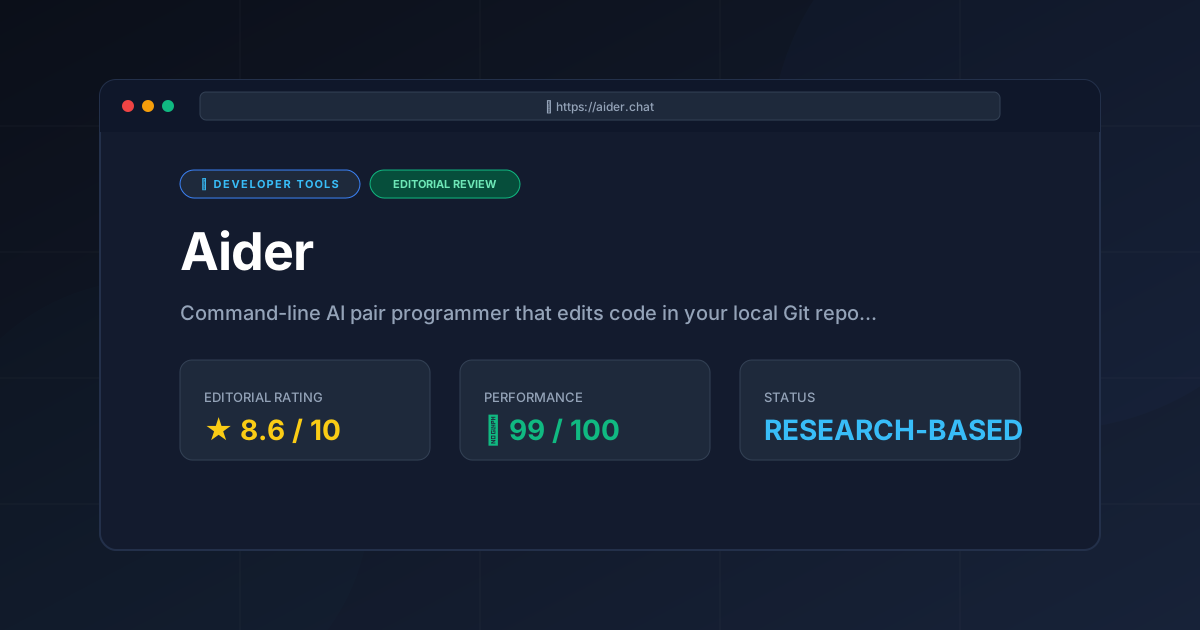
Aider
Developer ToolsAider AI turns your terminal into an autonomous Git coding assistant. Explore features, cost breakdowns, LLM setups, and real trade-offs in our 2026 r...
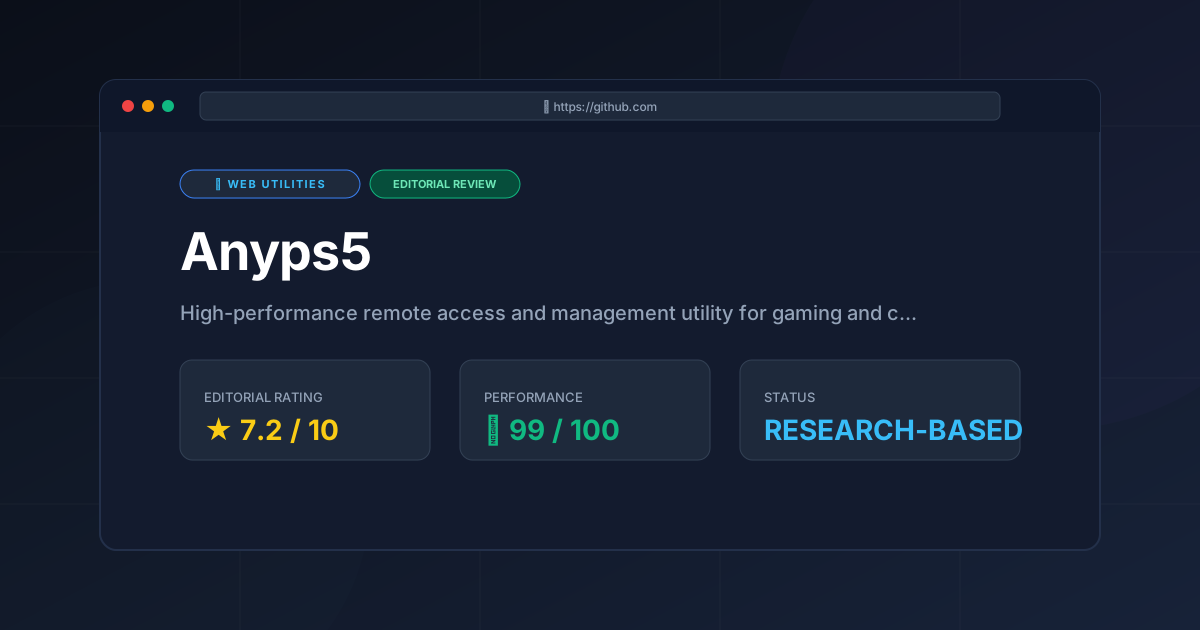
Anyps5
Web UtilitiesRemote console access starts here. Discover if Anyps5 is the best tool for low-latency PS5 management and how to optimize your setup for 2026.