API Testing with Postman (2026): Features, Pricing & Verdict
⚡ Executive Summary
API testing starts here. Discover if Postman is still the industry leader in 2026 and see how its features stack up against the competition.
Disclaimer: This review is based on publicly available information, including official documentation, pricing pages, and public repositories; it is not a laboratory benchmark.
In the modern software ecosystem, APIs are the connective tissue of the internet. As architectures shift toward microservices and serverless functions, the need for a robust environment to design, test, and document these interfaces has become critical. For most engineering teams, api testing is no longer a final step before deployment but a continuous process integrated into the development lifecycle. Postman has evolved from a simple Chrome extension into a comprehensive API development platform. While it remains the dominant force in the market, the rise of lightweight alternatives and the shift toward "API-first" design have changed the landscape of how developers interact with their endpoints.
What is API Testing in Postman? #
API testing in Postman is the process of sending requests to an Application Programming Interface (API) to validate that the server returns the correct status codes, data payloads, and response times. It allows developers to automate validation scripts, simulate server responses via mocking, and ensure the API contract remains consistent across different environments.
The reason Postman continues to trend in 2026 is its transition from a "testing tool" to a "lifecycle platform." It no longer just checks if an endpoint returns a 200 OK status; it now handles the entire API lifecycle: from initial design (using OpenAPI specifications) and mocking to automated testing and public documentation. For teams building complex integrations—perhaps utilizing high-performance backends like those discussed in our Bun runtime Review (2026): Features, Pricing & Verdict—Postman provides the necessary visibility to ensure that the API contract is being honored across different environments.
Key Technical Specifications & Fast Facts #
| Specification | Detail |
|---|---|
| License | Proprietary / Freemium |
| Hosting Type | Cloud-synced (with Desktop App) |
| Free Tier Availability | Yes (Limited workspace/call quotas) |
| API Access | Full support for REST, SOAP, GraphQL, gRPC, WebSocket |
| Supported Platforms | Windows, macOS, Linux, Web Browser |
In-Depth Feature Breakdown & Real-World Use Cases #
1. Advanced API Request Testing & Scripting #
Postman's primary value proposition is its ability to handle complex request chains. Rather than manually entering data for every single call, Postman utilizes Environments and Variables. This is critical for professional api testing where a single workflow might span five different endpoints.
Real-World Workflow:
Imagine a developer testing an authentication flow. Instead of copying a JWT (JSON Web Token) from a login response and pasting it into the header of ten other requests, they can write a "Test Script" in JavaScript:
// Example Postman Test Script to save a token
const response = pm.response.json();
pm.environment.set("auth_token", response.token);
Once this script runs, every subsequent request in the collection can use {{auth_token}} in the Authorization header. This automation reduces human error and accelerates the debugging cycle.
2. Automated Documentation Generation #
One of the most tedious parts of API development is keeping documentation in sync with the actual code. Postman solves this by generating documentation directly from the API collections.
When a developer defines a request, adds a description, and saves a successful example response, Postman can publish this as a web-based documentation portal. This allows external partners or internal frontend teams to understand the required parameters and expected outputs without needing to read the source code. This "single source of truth" approach is essential for maintaining consistency in large-scale projects.
3. Mock Servers for Parallel Development #
In a typical sprint, the frontend team often has to wait for the backend team to finish an endpoint before they can start building the UI. Postman's Mock Servers break this dependency.
By importing an OpenAPI specification, Postman can simulate a server that returns predefined responses based on the request path and headers.
- Frontend Team: Hits the Mock Server URL $\rightarrow$ Receives a simulated JSON response $\rightarrow$ Builds the UI.
- Backend Team: Builds the actual logic $\rightarrow$ Deploys to staging.
- Switch: The frontend team simply changes the environment variable from
mock.postman.comtoapi.staging.company.com.
4. Collection Runner & Monitoring #
For teams implementing CI/CD pipelines, the Collection Runner allows for the execution of a series of requests in a specific order to validate a business process (e.g., Create User $\rightarrow$ Update Profile $\rightarrow$ Delete User). By integrating with Newman (Postman's command-line tool), these tests can be triggered automatically during a build process, ensuring that a new commit hasn't broken existing API functionality. This is particularly useful when deploying AI-driven agents, as seen in our Agent Native Review (2026): Features, Pricing & Verdict, where API reliability is paramount.
Step-by-Step Getting Started Guide #
To begin using the official Postman platform, follow these technical configuration steps:
- Account Setup: Visit the official site and create an account. While a "lightweight" agent exists, creating an account enables cloud synchronization across devices.
- Creating Your First Collection: Click the "+" in the Collections tab. Group your requests by feature (e.g., "User Management," "Payment Gateway").
- Defining Environments: Create an environment (e.g., "Development" or "Production"). Add variables like
base_urlso you can switch between local and live servers with one click. - Sending a Request:
- Select the HTTP method (e.g., GET).
- Enter the URL (e.g.,
{{base_url}}/users). - Click Send and analyze the JSON response in the bottom pane.
- Adding Validation: Navigate to the "Tests" tab and use the snippet library to add a check, such as
pm.response.to.have.status(200). - Exporting/Sharing: Use the "Share" button to invite team members to the collection or export the JSON file for version control in Git.
Critical Limitations and Trade-offs #
Despite its dominance, Postman is not without significant drawbacks. Users must weigh these four specific limitations before committing to the platform:
- Resource Bloat (The "Electron" Problem): Because Postman is built on Electron, it is notoriously RAM-heavy. Developers running multiple Docker containers, an IDE, and a browser will find Postman consuming significant system resources, often leading to lag in lower-spec machines.
- Forced Cloud Dependency: Postman has aggressively moved toward a cloud-first model. While a "lightweight" mode exists, the most powerful collaboration features require cloud syncing. This is a non-starter for organizations with strict data residency requirements or those working in "air-gapped" secure environments.
- Steep Learning Curve for Non-JS Developers: While basic requests are easy, advanced api testing requires writing JavaScript in the "Pre-request" and "Tests" tabs. Developers unfamiliar with JS may find the automation side of the tool intimidating.
- Pricing Escalation: The jump from the Free tier to the Professional tier is steep. Small teams often find themselves hitting "call quotas" for mock servers and monitoring quickly, forcing a transition to a paid plan that may be overpriced for their specific scale.
Postman vs. Competitors: Direct Comparison #
While Postman is the most feature-rich, it is not always the right tool for every project. Some developers prefer the minimalism of Hoppscotch or the streamlined UX of Insomnia. For those building rapid prototypes with tools like Bolt.new Review (2026): Features, Pricing & Verdict, a lighter client may be more efficient.
| Feature | Postman | Insomnia | Hoppscotch |
|---|---|---|---|
| Core Strength | Full Lifecycle Platform | Clean UX / Design | Open Source / Lightweight |
| Speed | Moderate (Heavy App) | Fast | Very Fast (Browser-based) |
| Pricing | Freemium (Tiered) | Freemium | Free / Open Source |
| Best For | Enterprise Teams | Individual Developers | Quick Testing / Open Source fans |
| Automation | Advanced (Newman) | Moderate | Basic |
Pricing Tiers & Value Assessment #
Postman operates on a Freemium model. Detailed costs can be found on the Postman Pricing Page. The Free Tier is generally sufficient for individual developers or students who need to test a few APIs and save a limited number of collections.
As a team grows, the paid tiers introduce:
- Increased Call Quotas: For mock servers and monitoring.
- Advanced Collaboration: More shared workspaces and granular permissions.
- Enterprise Governance: SSO, SCIM, and advanced security controls.
Is the paid tier worth it?
For a solo developer, likely not. However, for a professional engineering team, the cost is justified by the reduction in "communication overhead." When the documentation is automatically generated and the test suites are shared, the time saved in onboarding new developers and debugging integration errors far outweighs the monthly subscription cost.
Frequently Asked Questions #
Is Postman only for REST APIs? #
No. While it started as a REST client, Postman now supports GraphQL, SOAP, WebSockets, and gRPC. This makes it a versatile tool for almost any network-based communication protocol, allowing teams to consolidate their toolchain.
Can I use Postman offline? #
Yes, Postman offers a "Lightweight API Client" that allows you to send requests without an account or cloud sync. However, you lose access to collections, environments, and team collaboration features, which are the core of the platform.
How does Postman handle security and sensitive data? #
Postman provides "Secret" variables that mask values in the UI. However, because data is synced to the cloud by default, users should be cautious. For highly secure environments, it is recommended to use local environment files that are not synced.
What is Newman? #
Newman is the command-line companion for Postman, available via the official GitHub repository. It allows you to run Postman collections directly from the terminal, which is essential for integrating tests into a CI/CD pipeline.
Does Postman support automated regression testing? #
Yes. By combining Collections with the Collection Runner or Newman, you can execute hundreds of tests in sequence to ensure that new updates haven't introduced regressions into your existing API endpoints.
Final Verdict & Editorial Rating #
Postman is no longer just a tool; it is the infrastructure upon which API development is built. Its strength lies in its breadth. By consolidating request testing, mocking, and documentation into one interface, it eliminates the need for a fragmented toolchain.
However, this breadth comes at a cost. The application has become "bloated" over the years, and the push toward cloud-synchronization has alienated some privacy-conscious developers. The resource intensity of the Electron app and the aggressive pricing for small teams prevent it from achieving a perfect score. If you are looking for a lightweight, open-source alternative for simple pings, Hoppscotch is a better choice. But for professional teams building scalable products, Postman remains the gold standard for api testing.
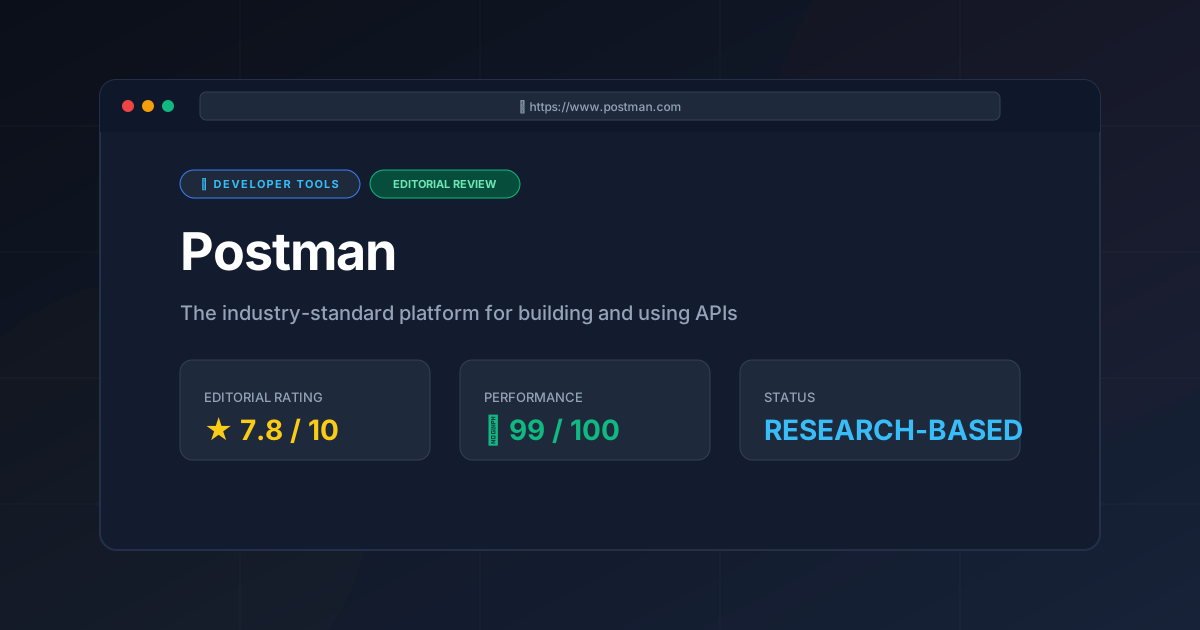
Final Score: 7.8/10 #
Who should use it?
- Enterprise Teams: Mandatory for maintaining API contracts and documentation.
- Backend Developers: Essential for iterative testing and debugging.
- QA Engineers: Highly recommended for building automated API regression suites.
- Frontend Developers: Great for exploring backend capabilities via mock servers.
More Tools Worth Reading
Supabase
Developer ToolsOpen source firebase alternatives are evolving. Discover if Supabase is the right backend for your 2026 project with our deep technical analysis.
Supabase Edge Functions
Developer ToolsSupabase Edge Functions review: Explore the Deno-powered serverless architecture, pricing, and limitations to accelerate your global app deployment.
Supabase
Developer ToolsBackend-as-a-Service redefined. Explore our deep dive into Supabase 2026 to see if this open-source powerhouse is the right choice for your next proje...